
Pricing
- ✓ Extended limits on Agent
- ✓ Access to frontier models
- ✓ MCPs, skills, and hooks
- ✓ Cloud agents
- ✓ Bugbot on usage-based billing
- ✓ Centralized team billing and administration
- ✓ Team marketplace for internal rules, skills, and plugins
- ✓ Agentic code reviews with Bugbot
- ✓ Cloud agents and automations with shared team context
- ✓ Usage analytics to understand team behavior
- ✓ Pooled usage to maximize budget efficiency
- ✓ Invoice/PO billing
- ✓ SCIM seat management
- ✓ Repository, model, and MCP access controls
- ✓ Auto-run, browser, and network controls
Pricing from the official site, verified Jun 2026. Always confirm current prices on the vendor site.
Pros & cons Listof.Best analysis
Pros
- Project-wide codebase context in chat
- Inline diff preview before accepting changes
- Smarter multi-line tab completion
- Built on familiar VS Code codebase
- GitHub and Slack integrations included
Cons
- Paid plan required for full AI features ($20/mo)
- Browser extension only — no native desktop build
- VS Code dependency limits editor flexibility
What users say Editorial summary
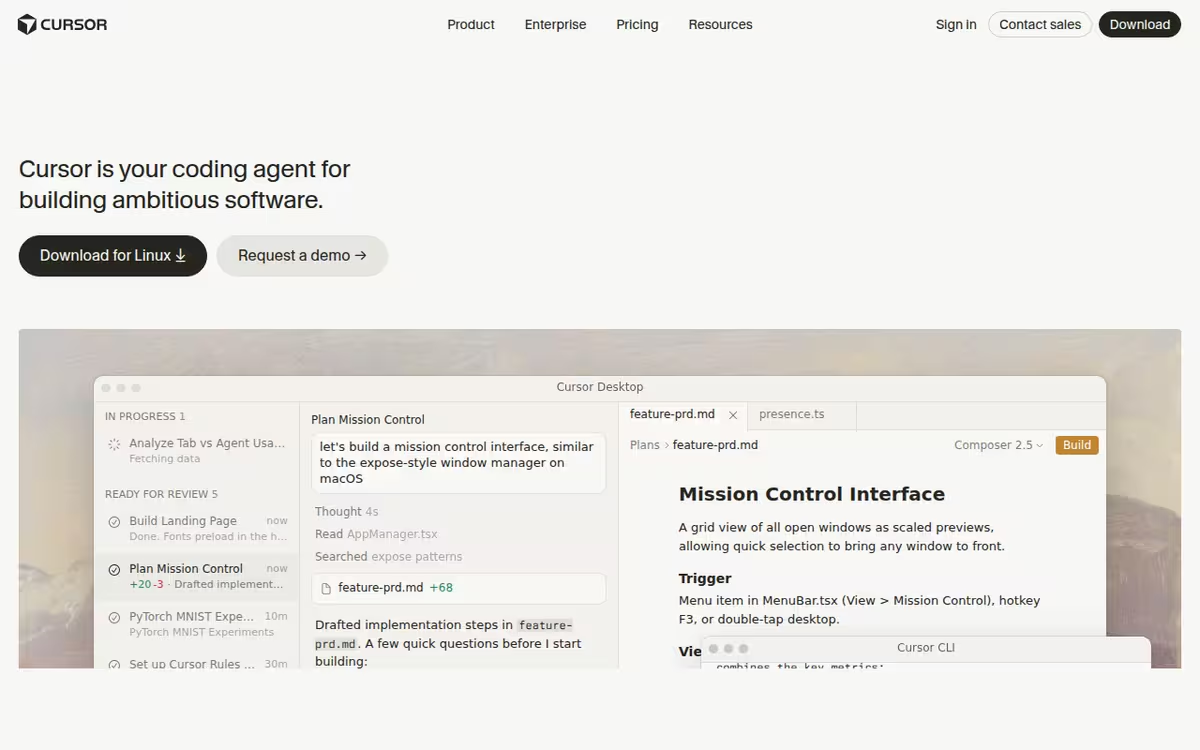
Cursor is commonly used by developers who want AI that understands the full project rather than just the open file. A frequently noted strength is the inline edit mode with diff preview, which speeds up routine refactoring significantly. A common limitation is that the most capable features sit behind the paid tier, and the tool is tightly coupled to the VS Code ecosystem.
Editorial summary based on public information — Listof.Best does not yet have enough verified user reviews to show a rating.
Best for: Software developers wanting deep AI assistance across an entire codebase
Cursor vs Replit
| Cursor | Replit | |
|---|---|---|
| Pricing | Freemium | Free |
| Price from | $20/mo | $18/mo |
| Free tier | Yes | Yes |
| API | Yes | Yes |
| Open source | No | No |
| Platforms | Browser Extension | Mobile App |
| Models | Cursor | Replit |
| Context window | 128k | — |
| Launched | 2024 | 2016 |
| Integrations | Slack, GitHub | OpenAI, Stripe, Google Workspace |
| Output formats | — | Slides, Videos, Animations |
Listof.Best analysis Compared with Replit, Cursor starts at $20/mo.
Top alternatives to Cursor See all alternatives →

Replit
AssistantsBrowser-based IDE with AI code assistant and built-in deployment

Lovable
AssistantsBuild full-stack apps by describing them in plain text

FAL.ai (Seedance 2.0)
AssistantsAccess 1000+ generative media models

Tabnine
AssistantsAI code assistant with privacy and compliance controls

Builder.io
AssistantsConnect designers, product, and engineering to your codebase

AIT-CodeX
AssistantsAI character and chatbot platform
FAQ
How much does Cursor cost?
Cursor uses a freemium pricing model, with paid plans from $20/mo, and it offers a free tier.
Does Cursor have an API?
Yes — Cursor offers an API for integration.
What are the best alternatives to Cursor?
Popular alternatives include Replit, Lovable, FAL.ai (Seedance 2.0).
Verified Jun 2026
Specs
| Pricing | Freemium |
|---|---|
| Price from | $20/mo |
| Free tier | Yes |
| API | Yes |
| Open source | No |
| Platforms | Browser Extension |
| Models | Cursor |
| Integrations | Slack, GitHub |
| Context window | 128k |
| Launched | 2024 |
| Popularity rank | #29 |