
Full.CX
assistantsAI-generated product requirements docs
AI coding assistants help developers write, review, debug, and document code faster. They range from IDE plugins that autocomplete inline as you type to chat-based tools that can generate entire functions or explain unfamiliar codebases. This category lists 282 tools covering solo developers, teams, and specialized workflows like data engineering.
AI-generated product requirements docs

Design custom QR codes using photos and logos

3D spatial AI for film, advertising, games, and interactive media production

All-in-one recruitment platform with AI candidate screening

Generate scannable QR codes with custom artistic designs

No-code platform to build and deploy Gen AI agents
Run AI-driven app generation locally on your machine

Information resource about copysense

Custom software development from WhatsApp bots to SaaS

Comprehensive prompt library for AI art generators

All-in-one AI content creation suite

Client engagement AI for wealth advisors

No-code business app builder

Generate dashboards and reports from data and documents

Build AI agents for lead qualification and customer support
Embed working integrations without building them

AI solutions for Arabic language data
Local AI agent interface and workflow builder
No-code dashboard over your SaaS tools
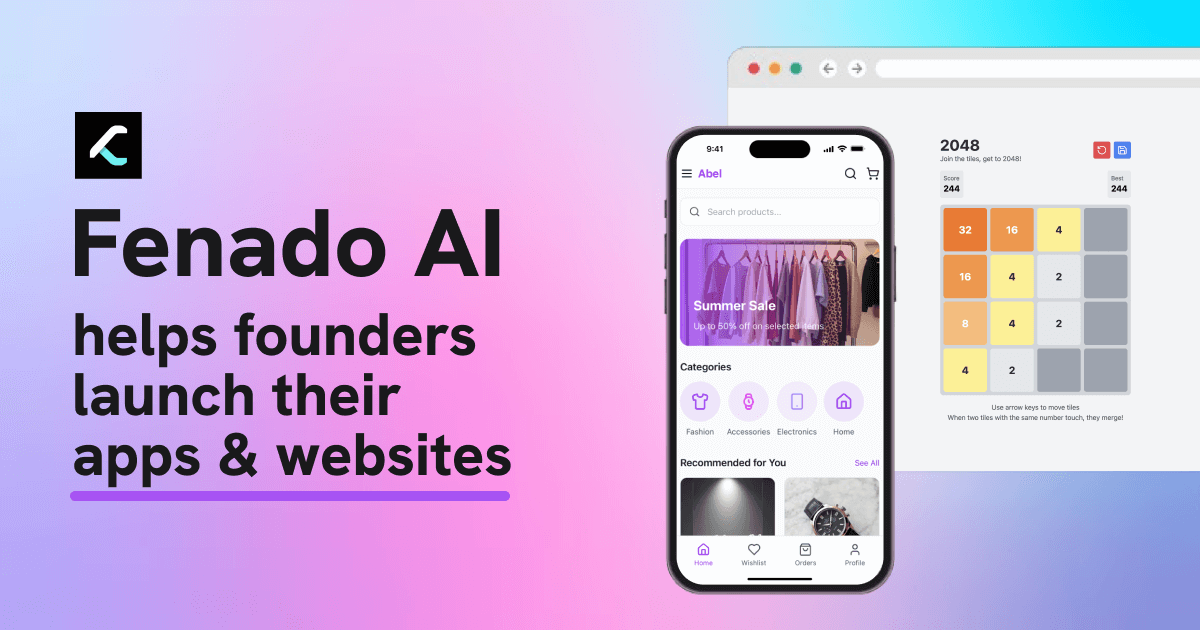
No-code platform for building apps and websites

Extract web data at scale without code

Automate medical coding with AI

Merge device, network, and signup signals for onboarding

Real-time coding help for technical job interviews
The core distinction in this category is between autocomplete-style assistants and conversational ones. Autocomplete tools (integrated into editors) have low friction and speed up routine coding. Conversational tools are better for complex refactors, code reviews, and explaining legacy code. Some tools, like Paradime, are built specifically for data engineering and SQL, rather than general-purpose coding. Interview Coder and similar products target a different use case entirely. Language support varies, so check whether your primary stack is well-covered before evaluating other features. For teams, access control, audit logging, and on-premise deployment options become important. Privacy is a common concern: tools that send code to external servers may conflict with proprietary codebases or compliance requirements. Pricing usually scales with seats, with free tiers available for individual developers.