
Cursor
assistantsVS Code-based editor with deep AI chat and project-wide code understanding
AI code tools assist with writing, testing, reviewing, and debugging software across a broad range of programming languages and environments. The 344 tools here include IDE integrations, web-based coding environments, specialized tools for data pipelines, and platforms for non-developers building internal apps.
VS Code-based editor with deep AI chat and project-wide code understanding

Connect designers, product, and engineering to your codebase

AI character and chatbot platform

Web scraping without code

AI-powered IDE for faster coding

AI search engine built for developers

Web scraping and data collection for investment firms

Auto-generate code docs and API documentation

AI coding assistant for faster development

AI consulting for leadership teams

White-label integration platform for SaaS products

Build AI agents and workflows without writing code

AI-powered ecommerce platform combining shop and analytics

Low-code AI workflow builder

Build and sell AI agents with billing and access control

AI copywriting for marketing teams

Chat with your data to find insights

Real-time coding feedback in Slack
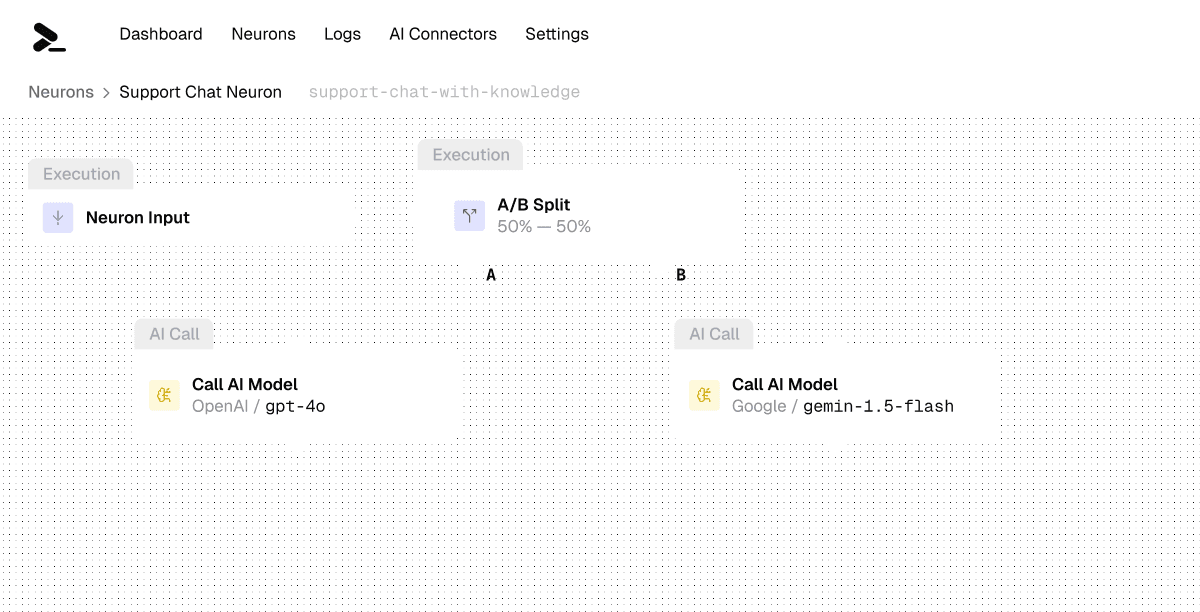
No-code platform to build, optimize, and comply with AI workflows
Build smart contracts without code

AI assistant for ops teams in Slack

Design custom QR codes using photos and logos

AI solutions for Arabic language data
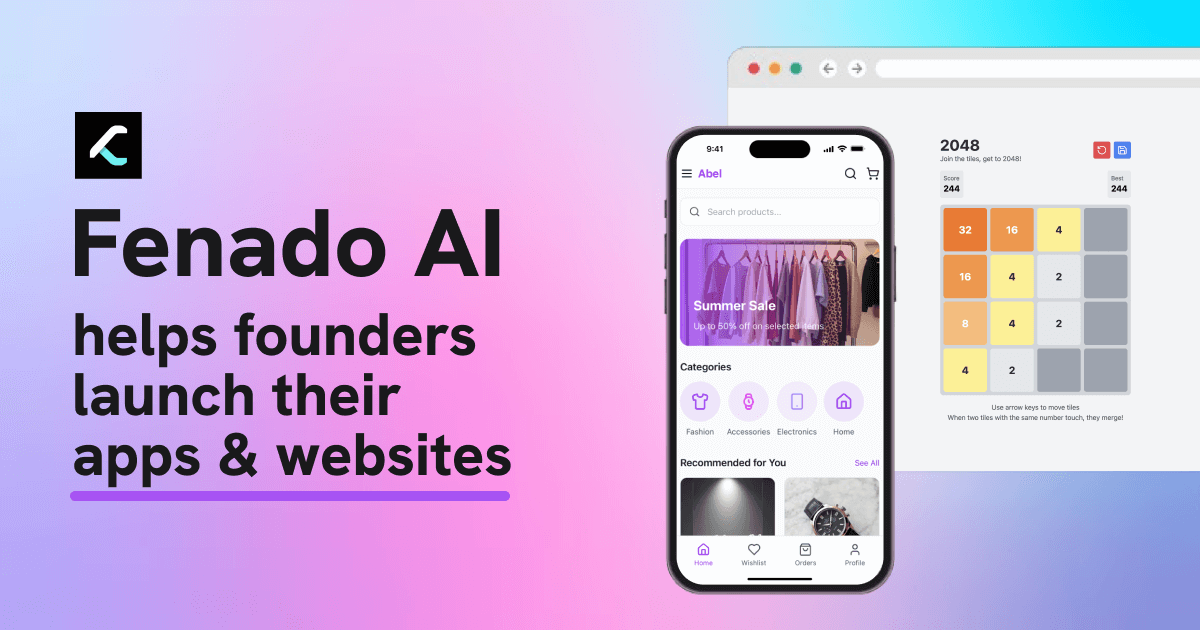
No-code platform for building apps and websites
The category is wide and includes tools that serve very different audiences. Experienced developers typically want tools that integrate into their existing editor and support their specific language stack well. Teams may prefer tools with collaboration features, shared context, and audit logging. Non-developers building internal tools are better served by visual or low-code platforms like Dynaboard AI. Bug-fixing tools like FixThisBug.de focus on a narrow but high-value task. Code review and quality tools like GitRoll and Relicx focus on testing and reliability rather than generation. When comparing tools, practical benchmarks on your own codebase outperform general capability claims. Also consider how the tool handles context: tools with larger context windows handle full-file and multi-file edits more reliably. Security considerations include whether your code leaves your environment and under what terms it may be used to train future models.