SceneSnap
generationUpload video or documents and get an AI learning path
AI video tools cover a broad range of tasks: generating videos from text or images, editing existing footage, transcribing spoken content, creating thumbnails, and repurposing long-form content into short clips. With 476 tools in this category, it is one of the largest AI segments and reflects how central video has become to marketing, education, and entertainment.
Upload video or documents and get an AI learning path

Generate AI video avatars from text prompts

Online betting and gaming platform across Asia

AI-assisted pre-production for ads and film
Automated short video creation for traffic and conversions
Automatic profanity removal from audio and video
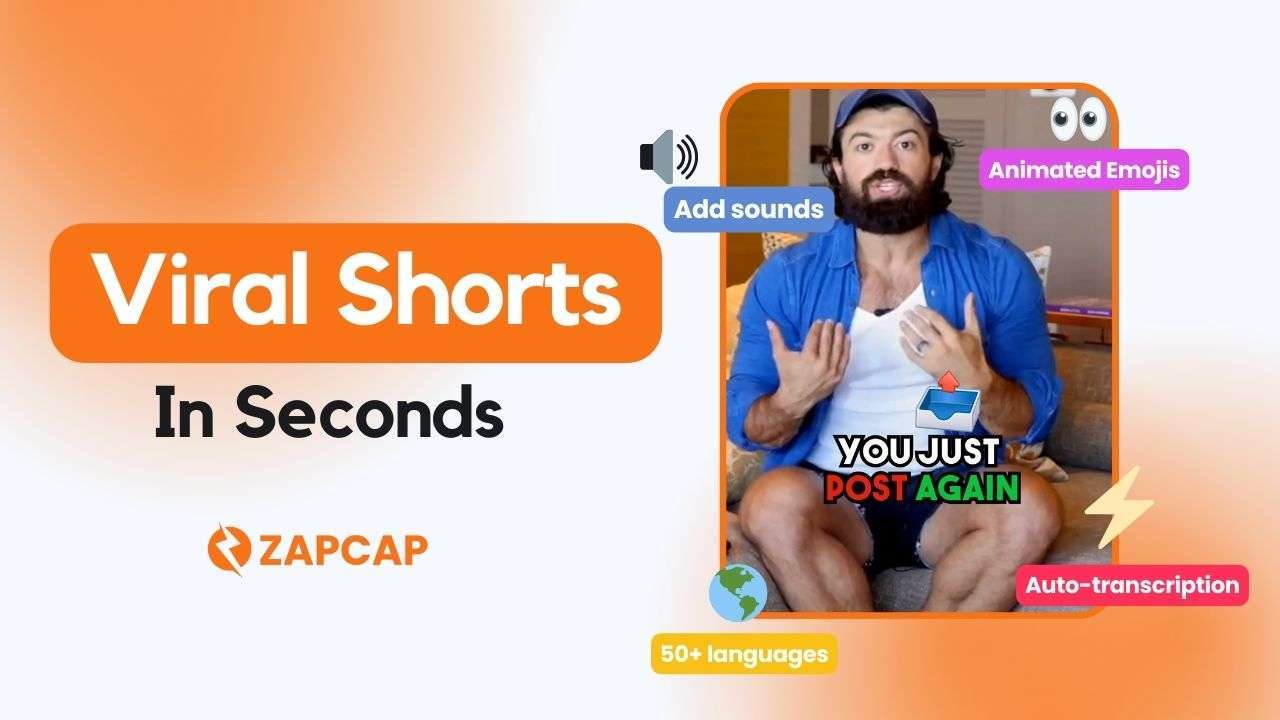
Video captions, B-roll selection, and transitions automated

AI technology for everyday human interfaces

Learning through active recall and practice

Organize and track work across channels and data types

AI video editor that runs edits automatically and A/B tests variants

Movie recommendations matched to your mood

AI video interview software for hiring

Convert YouTube videos to SEO blog posts

AI-generated video ads with expert management

Generative AI platform for video and image creation

Autoregressive AI video generation

Build interactive AI agents with computer vision

Generate videos from text using AI

Edit videos with AI voiceovers, captions, and noise removal

Edit, record, and stream videos online for creators

Automate video content with AI video agents

Create videos with AI scriptwriting, voiceovers, and editing

Voice application and video generation
The category splits into several functional clusters. Generation tools like Vidnami and Video Studio AI create videos from scripts or static assets, while clipping tools such as Clip FM and Zapclip extract the best moments from long recordings for social media. Transcription tools like TubeToText and Vid2txt convert audio to text for captions or republishing. Then there are niche tools like ASMR AI and Get Selfie Pov that target specific content formats. When choosing, start by identifying your core task: creating from scratch, editing existing footage, or repurposing. Resolution limits, export formats, and watermarking policies vary significantly across free tiers. Many tools charge per minute of output video, so high-volume users should calculate monthly costs carefully before committing. For content creators, API access and batch-processing options matter more than polished UIs; for occasional users, simplicity and quick turnaround often outweigh feature depth.