
Pros & cons
Our analysisPros
- Works directly in the browser, no install needed
- Free tier available
- API access for developer integration
- Handles retouching, enhancement, and transformation
Cons
- Pricing details not disclosed beyond free tier
- No listed integrations with other platforms
- Scope limited to photo editing and enhancement
What users say
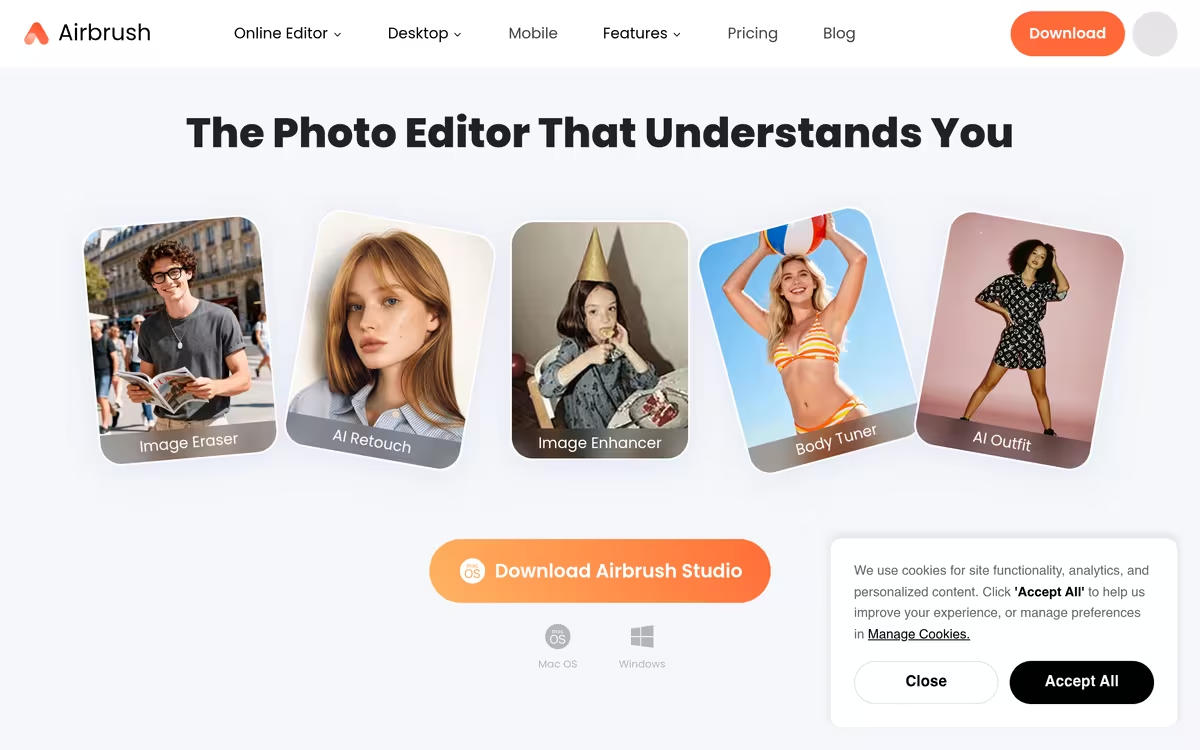
Airbrush is commonly used for quick photo retouching and enhancement without installing dedicated software. A frequently noted strength is its browser-based accessibility combined with API availability for developers. A common limitation is its narrow focus on photo editing, which may not satisfy users looking for broader creative or generative AI capabilities.
Editorial summary based on public information.
Best for
Casual creators and developers needing browser-based photo retouching
Manually choose competitor  Airbrush
 Midjourney
 Leonardo Ai
 Genie Printer
 Novita AI
 getimg.ai
 CakhiaTV
 SEO Content Machine
 SuperInterview AI
| Feature | Airbrush | Midjourney |
|---|---|---|
| Pricing | Freemium | Freemium |
| Free tier | Yes | Yes |
| API | Yes | Waitlist |
| Open source | No | No |
| Platforms | API | Mobile App |
| Models | Airbrush | Midjourney |
| Context window | 1M | 8k |
| Launched | 2023 | 2025 |
Top alternatives to Airbrush
See all alternatives → Midjourney
High-quality AI image generation with a focus on artistic and cinematic styles
Leonardo Ai
Image generation platform built for game assets and concept art

FLUX
AI image generator from text prompts

Ideogram
AI image generator that renders coherent text and typography in images

Remove-bg AI
Remove image backgrounds instantly, no signup required
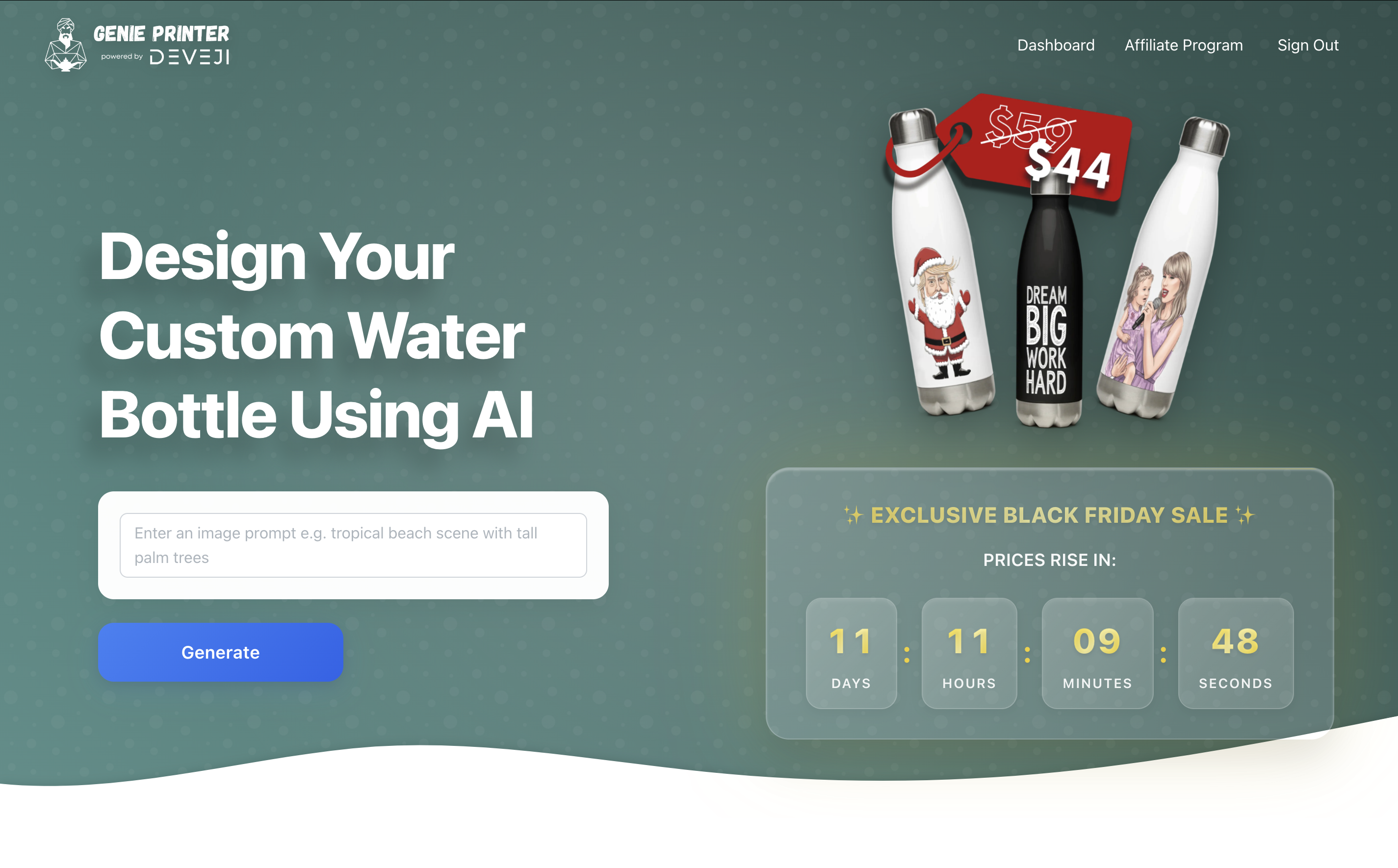
Genie Printer
Custom water bottles with AI-generated designs
Specs
| Pricing | Freemium |
|---|---|
| Free tier | Yes |
| API | Yes |
| Open source | No |
| Platforms | API |
| Models | Airbrush |
| Context window | 1M |
| Launched | 2023 |