

Position history
Daily snapshotPosition of Captions among AI Tools on List of Best, recorded once a day. Lower is better.
Pros & cons
Our analysisPros
- Turns text descriptions into finished videos
- No editing experience required
- AI handles end-to-end video production
- Mobile app for on-the-go creation
Cons
- No free tier
- Pricing not publicly listed
- API on waitlist or limited
- Mobile-only limits desktop workflows
What users say
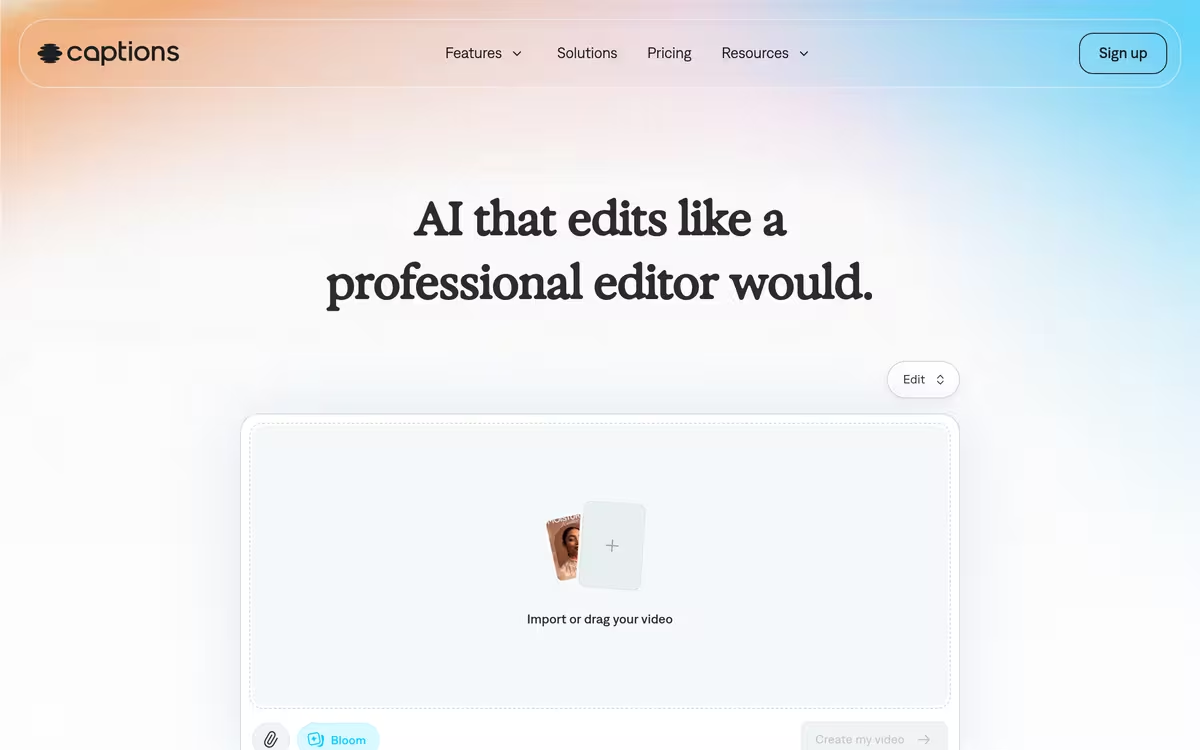
Captions is commonly used by social media creators and marketers who want to produce finished video content from simple text descriptions. A frequently noted strength is the ability to skip traditional editing entirely. A common limitation is the absence of a free tier and reliance on a mobile-only platform, which may not suit professional desktop-based workflows.
Editorial summary based on public information.
Best for
Mobile content creators producing AI-generated videos without editing skills
Manually choose competitor  Captions
 Synthesia
 HeyGen
 Descript
 Pika
Pika Etereel
 Tencent Hunyuan Video
 Book Demo
 Cloudglue
| Feature | Captions | Synthesia |
|---|---|---|
| Pricing | Paid | Freemium |
| Price from | — | $14/mo |
| Free tier | No | Yes |
| API | Yes | Yes |
| Open source | No | No |
| Platforms | Mobile App | Desktop |
| Models | Captions | Synthesia |
| Context window | 128k | 32k |
| Launched | 2025 | 2017 |
| Languages | — | 160+ languages |
| Output formats | — | SCORM |
Top alternatives to Captions
See all alternatives → Synthesia
AI avatar videos from a script, no camera or studio needed
HeyGen
Generate talking-head videos from a script without filming

Descript
Edit video and audio like a text document

Pika
Generate and edit videos from text or images
Etereel
Text-to-video generator for short social clips in the browser
Tencent Hunyuan Video
Tencent's text-to-video model for realistic and animated clip generation
Specs
| Pricing | Paid |
|---|---|
| Free tier | No |
| API | Yes |
| Open source | No |
| Platforms | Mobile App |
| Models | Captions |
| Context window | 128k |
| Launched | 2025 |