
Replit
AssistantsBrowser-based IDE with AI code assistant and built-in deployment
This is the full catalog of AI tools on Listof.Best, covering more than 9,000 products across every major category. The collection spans generative models, productivity assistants, code tools, business software, audio and video editors, data platforms, and much more. Whatever the task, there is likely an AI tool here built for it.
Browser-based IDE with AI code assistant and built-in deployment

AI character and chatbot platform

No-code game and app builder with AI

Convert designs and prompts into production code

Generate clinical notes for therapists in seconds

No-code web app builder with zero lock-in

API integration and workflow builder

Global marketplace for remote freelancers and full-time talent

No-code platform for enterprise AI agents
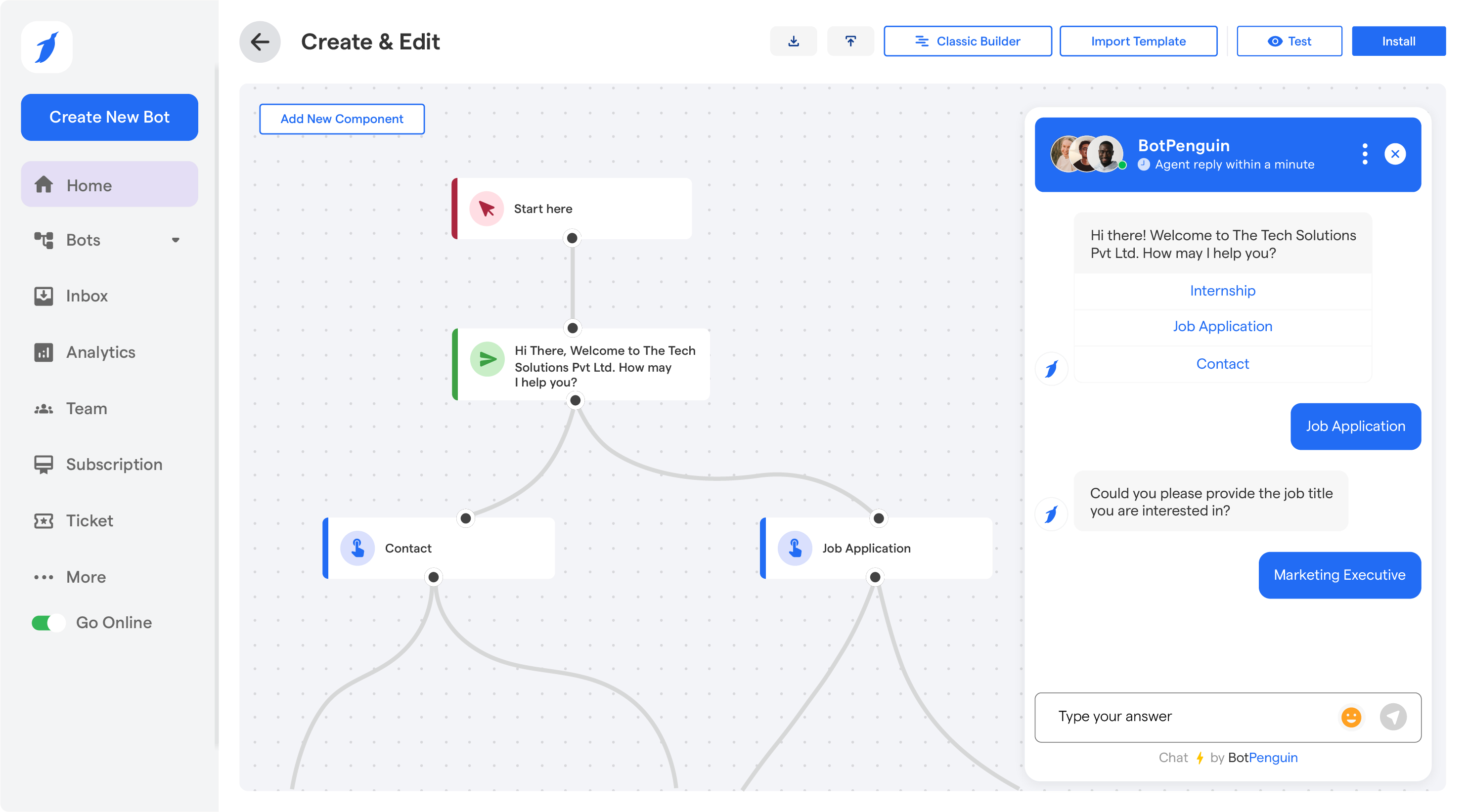
No-code chatbot and AI agent builder

Coding agent that helps builders ship full-stack AI products quickly

Multi-model AI coding assistant and chat

Build web applications faster with AI developer bots

Build full-stack web apps with AI code generation

AI voice assistant for customer service calls

No-code platform for AI-powered applications

Application security testing and risk management

Build and deploy Vision AI models faster

Query your database schema conversationally

Generate and edit React components in real time

No-code automation platform for IT and cyber teams

Automate customer support with AI responses

Auto-generate code docs and API documentation

Generate 2D game assets with AI
AI tools are now available for nearly every professional workflow, from writing and design to finance, legal work, and scientific research. The challenge is no longer finding a tool but identifying which one fits your specific context. Factors that consistently matter across categories include: data privacy and where your inputs are processed, the quality of the underlying model and how recently it was updated, integration with the software you already use, and the total cost at your expected usage volume. Free tiers are common but often limited in output length, generation count, or features. It is worth testing two or three competing tools with your actual work rather than relying solely on marketing claims. The catalog here is filtered by category, use case, and pricing model to make that comparison easier.