

Position history
Daily snapshotPosition of Mappedin among AI Tools on List of Best, recorded once a day. Lower is better.
Pros & cons
Our analysisPros
- AI-assisted indoor map building and sharing
- Embeddable maps for any venue
- API available for custom integration
- Free tier included
Cons
- Use case is narrow — indoor mapping only
- No listed integrations with navigation apps
- Browser extension delivery may limit mobile use
What users say
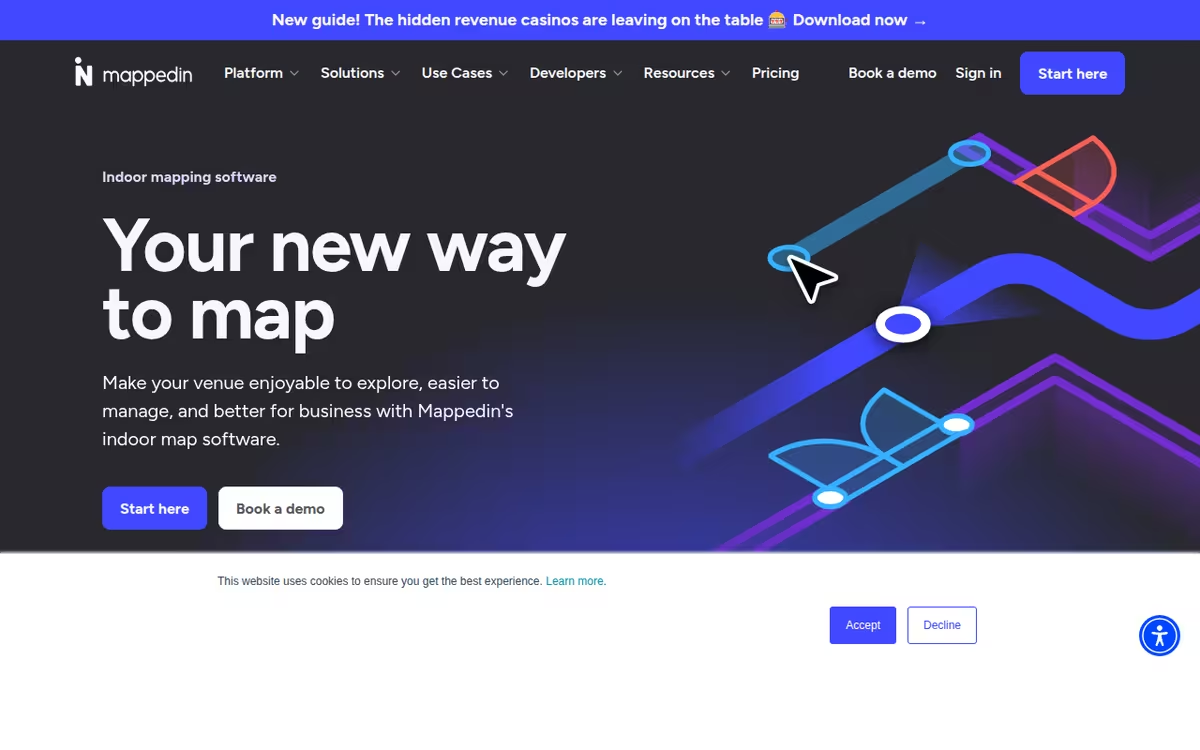
Mappedin is commonly used by venues, facilities teams, and developers who need to create and publish navigable indoor maps without heavy GIS expertise. A frequently noted strength is its AI-assisted floor planning that simplifies map creation and its embeddability across web properties. A common limitation is the narrow scope focused solely on indoor mapping, which means teams with broader location-data needs will require additional tools.
Editorial summary based on public information.
Best for
Venue operators and developers building navigable indoor maps
Manually choose competitor  Mappedin
 SnapMeasureAI
 MagiScan
 Sloyd
Sloyd Octoeverywhere
 3Daily
 OpenAI
 Google Gemini
 Perplexity
| Feature | Mappedin | SnapMeasureAI |
|---|---|---|
| Pricing | Freemium | Paid |
| Free tier | Yes | No |
| API | Yes | Yes |
| Open source | No | No |
| Platforms | Browser Extension | Mobile App |
| Models | Mappedin | Snapmeasureai |
| Context window | — | 128k |
| Launched | 2011 | 2023 |
Top alternatives to Mappedin
See all alternatives →
SnapMeasureAI
AI body scanner that takes 2 photos and generates 100+ body measurements in 10 seconds

MagiScan
Scan real objects into 3D models with your phone

Sloyd
Generate 3D models from text or images with AI

Octoeverywhere
Remote access and monitoring for 3D printers

3Daily
Convert photos to 3D models and physical keepsakes

PicToMesh
Converts 2D images to 3D models
Specs
| Pricing | Freemium |
|---|---|
| Free tier | Yes |
| API | Yes |
| Open source | No |
| Platforms | Browser Extension |
| Models | Mappedin |
| Launched | 2011 |