

Position history
Daily snapshotPosition of Napkin among AI Tools on List of Best, recorded once a day. Lower is better.
Pros & cons
Our analysisPros
- Converts text to visuals instantly
- Completely free to use
- No design skills required
- Works on web without installation
Cons
- No API access
- Limited to web platform
- No listed integrations
What users say
Napkin is commonly used by writers, analysts, and communicators who want to transform pasted text or copy into visual charts and infographics without any design experience. A frequently noted strength is the instant, frictionless conversion from text to visuals. A common limitation is the absence of an API or integrations, keeping it a standalone web-only tool.
Editorial summary based on public information.
Best for
Communicators turning written content into quick infographics
Manually choose competitor  Napkin
 Udio
Udio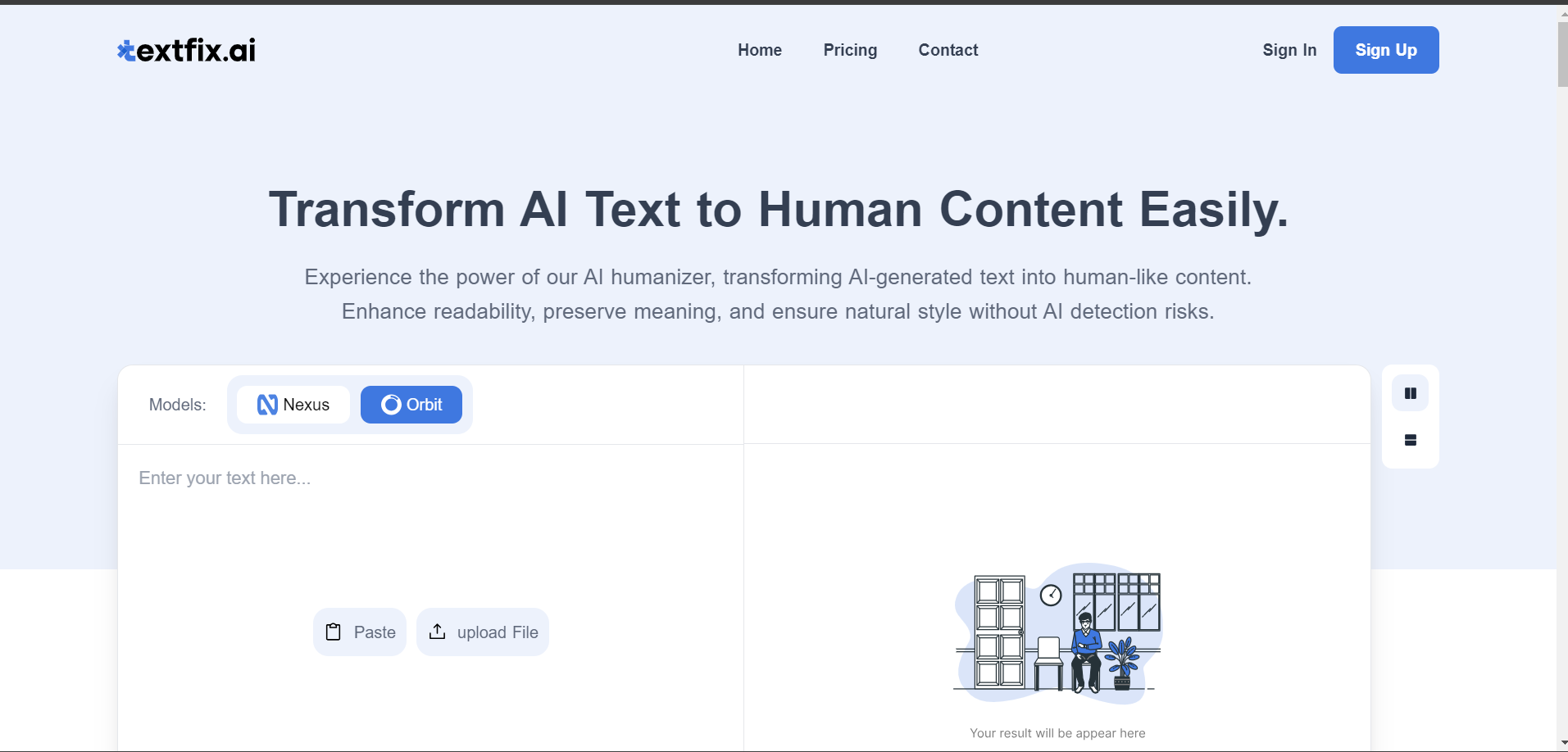 Textfix AI
 Summarie
 Data Science in Libraries
 Text Wallpaper Generator
 AI Detector
 Thundr
| Feature | Napkin | |
|---|---|---|
| Pricing | Free | Freemium |
| Free tier | Yes | Yes |
| API | No | No |
| Open source | No | No |
| Platforms | Web | API |
| Models | Napkin | Deepseek |
| Context window | 128k | 128k |
| Launched | 2021 | 2023 |
| Languages | 60+ languages | — |
| Output formats | .ppt, .png, .pdf +1 more | — |
Top alternatives to Napkin
See all alternatives →DeepSeek
Open-weight LLMs including a 671B MoE model that matches GPT-4o at far lower API cost

Udio
AI music creation and audio production
Textfix AI
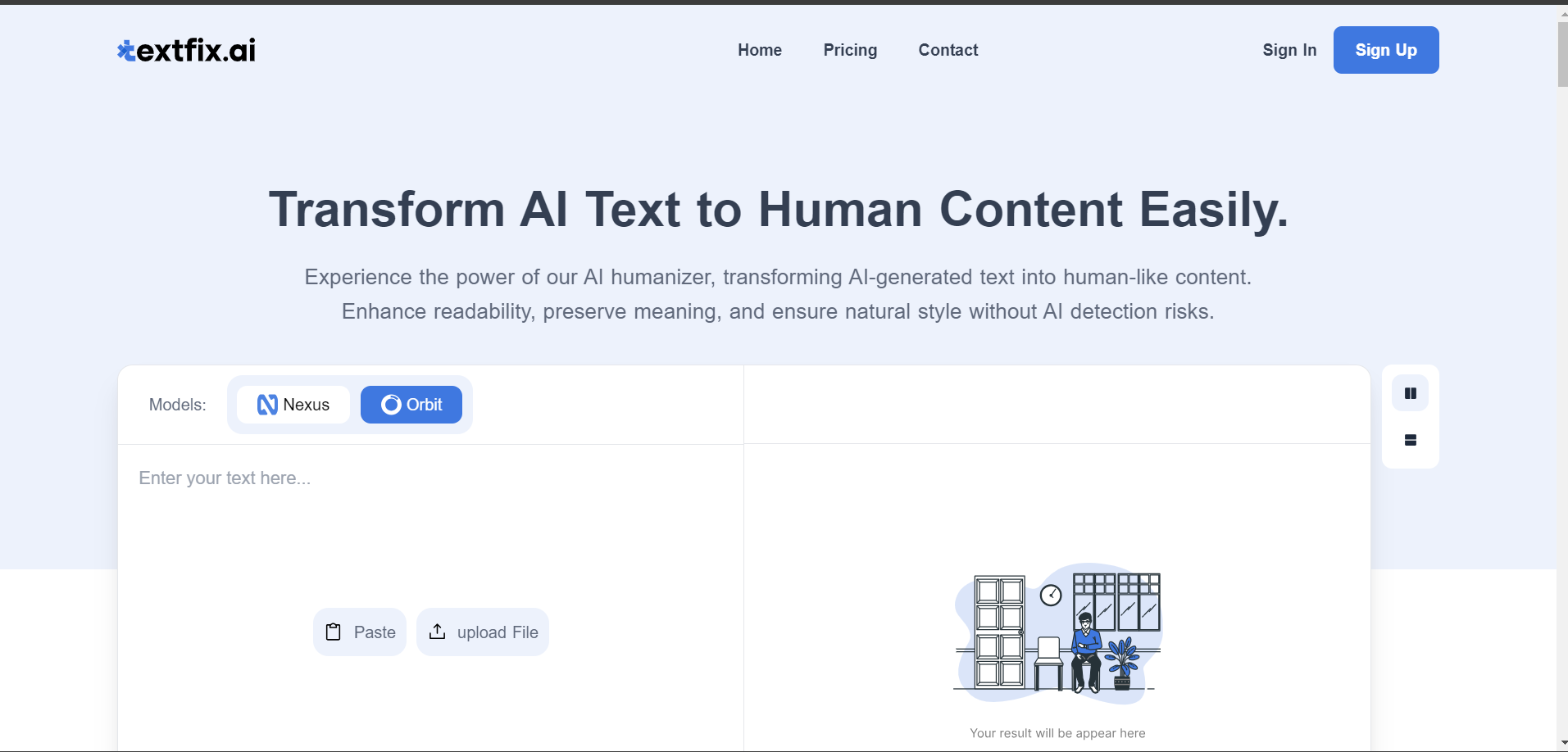
Humanize AI writing to sound natural
Summarie
Summarize long-form text and extract key information
Data Science in Libraries
Data science programs in libraries

Text Wallpaper Generator
Free custom text wallpapers for devices and servers
Verified Jun 2026
Specs
| Pricing | Free |
|---|---|
| Free tier | Yes |
| API | No |
| Open source | No |
| Platforms | Web |
| Models | Napkin |
| Languages | 60+ languages |
| Output formats | .ppt, .png, .pdf, .svg |
| Context window | 128k |
| Launched | 2021 |