

Pros & cons
Our analysisPros
- Free tier covers core PDF editing needs
- Works both online and offline
- Supports merging, splitting, and converting PDFs
- No cost for standard use
Cons
- API access only on waitlist
- Freemium may limit batch processing volume
- No listed integrations with cloud storage
What users say
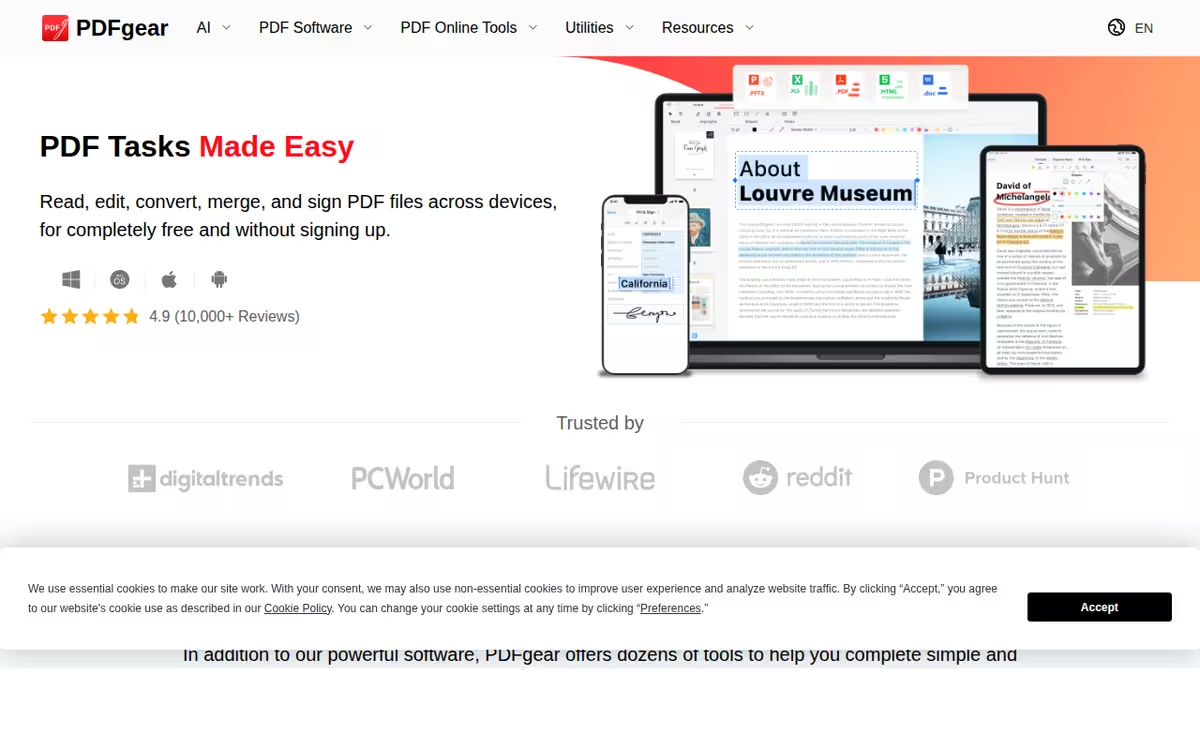
PDFgear is commonly used for everyday PDF tasks including editing, merging, splitting, and format conversion without a paid subscription. A frequently noted strength is its ability to work both online and as a desktop application. A common limitation is that API access is on a waitlist, restricting automated or developer-driven document processing workflows.
Editorial summary based on public information.
Best for
Individuals and teams editing and converting PDFs for free
Manually choose competitor  PDFgear
 Rhetorai
 SheetSavvy AI
 LightPDF
 Allganize Inc.
 TextPhoto
 Outerbase
 Pdfy
Pdfy Commabot
| Feature | PDFgear | Rhetorai |
|---|---|---|
| Pricing | Freemium | Paid |
| Free tier | Yes | No |
| API | Waitlist | Yes |
| Open source | No | No |
| Platforms | Web | Mobile App |
| Models | Pdfgear | Rhetorai |
| Context window | 8k | — |
| Launched | 2023 | 2023 |
Top alternatives to PDFgear
See all alternatives →
Rhetorai
Conversational surveys with AI follow-up questions

SheetSavvy AI
Spreadsheet assistant that generates formulas and connects data

LightPDF
AI-powered PDF editing and conversion

Allganize Inc.
Enterprise RAG with plugin extensibility and zero hallucination

TextPhoto
Transform text into styled images

Outerbase
Manage databases with AI, no SQL needed
Specs
| Pricing | Freemium |
|---|---|
| Free tier | Yes |
| API | Waitlist |
| Open source | No |
| Platforms | Web |
| Models | Pdfgear |
| Context window | 8k |
| Launched | 2023 |