


Pros & cons
Our analysisPros
- One-click presentation generation from text
- Smart layouts and customizable themes
- API available
- Free tier included
Cons
- Pricing details not disclosed
- Browser extension limits standalone use
- No listed integrations with productivity tools
What users say
Pi is commonly used for turning written content into presentation-ready slides without manual design work. A frequently noted strength is the one-click generation with smart layout choices that remove formatting decisions from the user. A common limitation is the lack of publicly listed integrations, which may require extra steps to incorporate it into existing document workflows.
Editorial summary based on public information.
Best for
Professionals needing polished presentations generated instantly from text
Manually choose competitor  Pi
Pi
 Midjourney
 Leonardo Ai
 Genie Printer
 Novita AI
 getimg.ai
 CakhiaTV
 SEO Content Machine
 SuperInterview AI
| Feature | Pi | Midjourney |
|---|---|---|
| Pricing | Freemium | Freemium |
| Free tier | Yes | Yes |
| API | Yes | Waitlist |
| Open source | No | No |
| Platforms | Browser Extension | Mobile App |
| Models | Pi | Midjourney |
| Context window | 8k | 8k |
| Launched | 2025 | 2025 |
| Output formats | PDF, DOC, DOCX +4 more | — |
Top alternatives to Pi
See all alternatives → Midjourney
High-quality AI image generation with a focus on artistic and cinematic styles
Leonardo Ai
Image generation platform built for game assets and concept art

FLUX
AI image generator from text prompts

Ideogram
AI image generator that renders coherent text and typography in images

Remove-bg AI
Remove image backgrounds instantly, no signup required
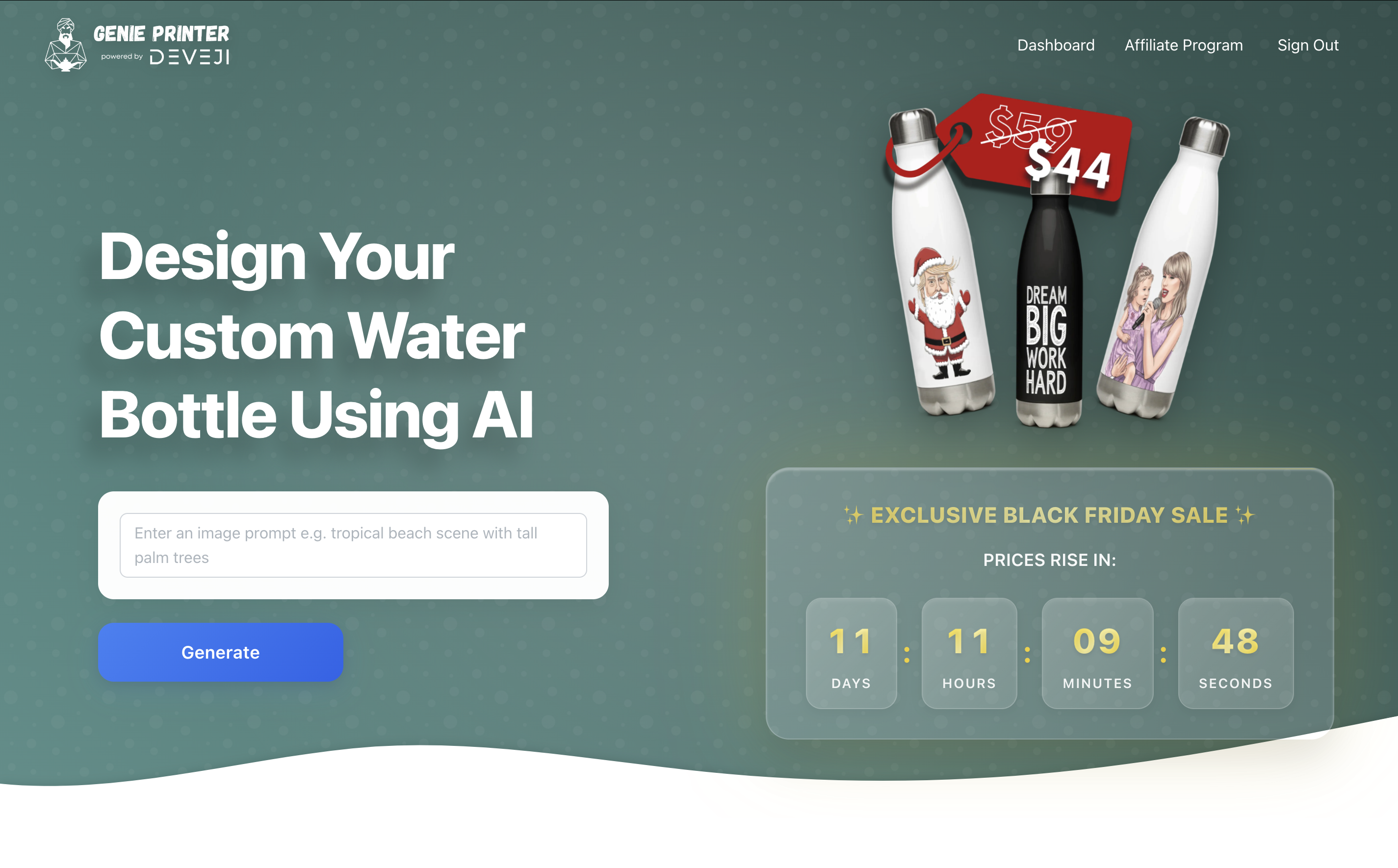
Genie Printer
Custom water bottles with AI-generated designs
Verified Jun 2026
Specs
| Pricing | Freemium |
|---|---|
| Free tier | Yes |
| API | Yes |
| Open source | No |
| Platforms | Browser Extension |
| Models | Pi |
| Output formats | PDF, DOC, DOCX, PPT, PPTX, TXT +1 more |
| Context window | 8k |
| Launched | 2025 |