
Pros & cons
Our analysisPros
- Minimal setup via npm, no full pipeline required
- Selector API defines extraction in plain code
- Works on URLs or local HTML strings
- Open source with documented basic use cases
Cons
- No AI extraction logic internally, classification is a stretch
- No API layer for remote or hosted use
- Limited to basic use cases per documentation
What users say
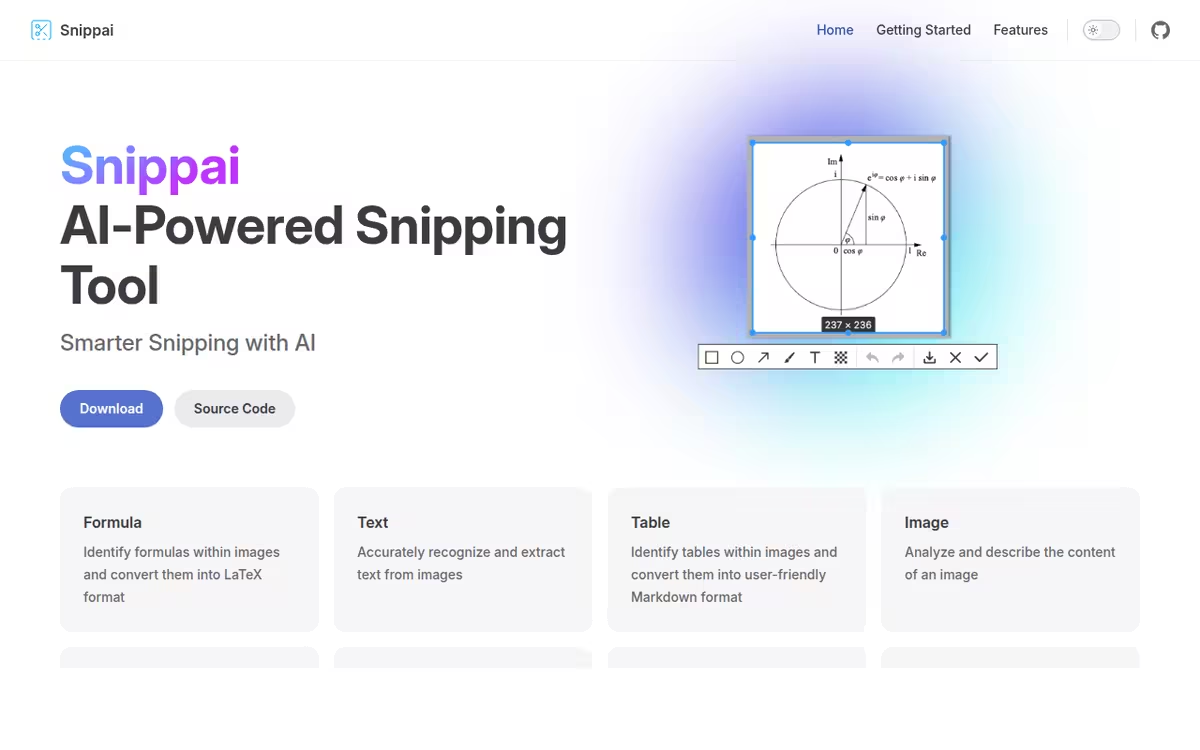
Snippai is commonly used by developers who need a lightweight JavaScript utility for pulling structured data from web pages without building a full scraping pipeline. A frequently noted strength is the low setup overhead, with npm installation and a selector API covering common extraction tasks quickly. A common limitation is that the library does not include AI-based extraction logic, making the AI tool classification loose, and it is best suited to straightforward DOM selection tasks rather than complex or dynamic page structures.
Editorial summary based on public information.
Best for
Developers automating structured data extraction from web pages
Manually choose competitor  Snippai
 Build Your First AI Product with Devv
 Arc
Arc OpenAI
 Google Gemini
 Perplexity
 Grammarly
 Notion AI
| Feature | Snippai | Build Your First AI Product with Devv |
|---|---|---|
| Pricing | Freemium | Free |
| Free tier | Yes | Yes |
| API | No | Waitlist |
| Open source | No | Yes |
| Platforms | API | Desktop |
| Models | Snip | Devv |
| Context window | 8k | 128k |
| Launched | 2024 | 2023 |
| Output formats | LaTeX, Markdown | — |
Top alternatives to Snippai


Tags: Information & Internet Information Technology & Services Large Language Model (llm) Technology
Verified Jun 2026
Specs
| Pricing | Freemium |
|---|---|
| Free tier | Yes |
| API | No |
| Open source | No |
| Platforms | API |
| Models | Snip |
| Output formats | LaTeX, Markdown |
| Context window | 8k |
| Launched | 2024 |