
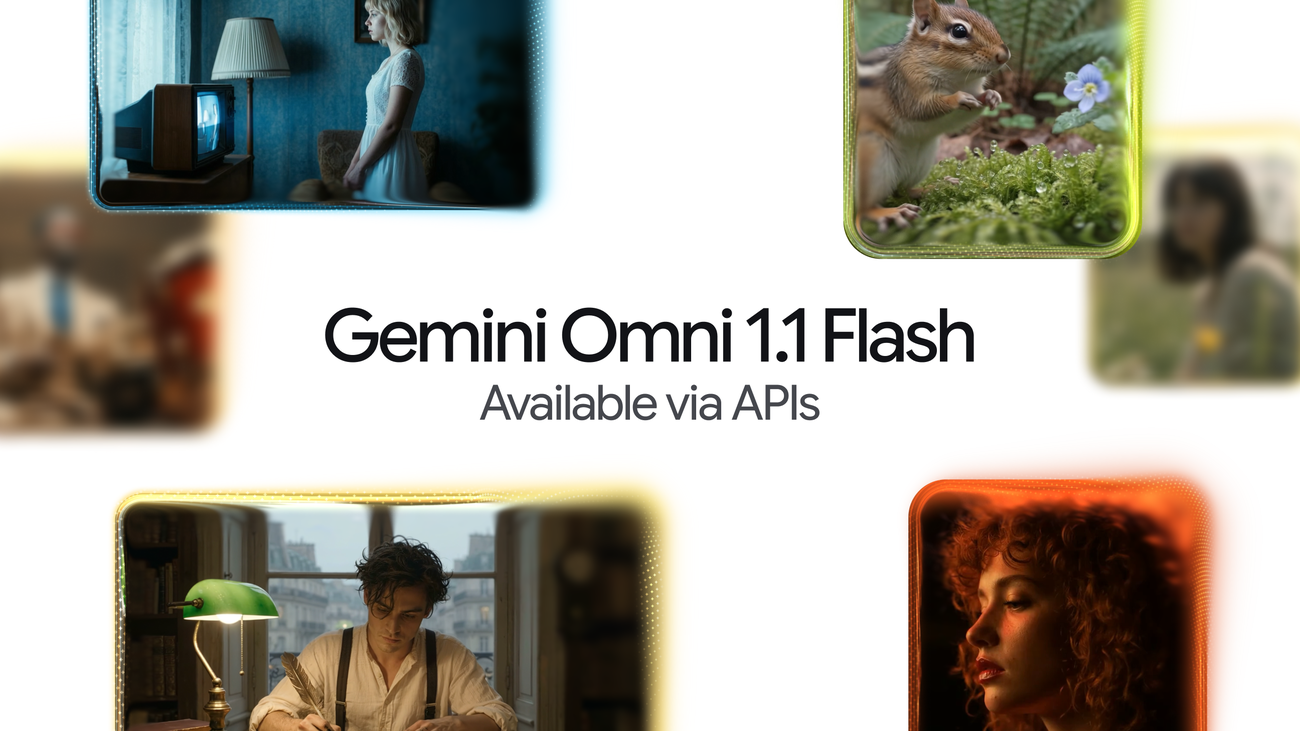
Google has launched its Gemini Omni 1.1 Flash video generation model for developers through the Gemini API and Google AI Studio, as announced on the Google Blog. If you build video workflows, this update gives you much tighter control over short clips without leaving Google’s developer stack.
What the new controls offer
Instead of typing a prompt and hoping for good luck, you can now direct the output with specific tools:
- Extend scenes in steps. The model reads up to 10 seconds of prior context and adds 10-second extensions, reaching up to 40 seconds total.
- Pin starting and ending frames. First-frame and last-frame controls help you create clean, predictable visual cuts.
- Guide style with reference clips. You can upload a short video of up to 3 seconds to guide camera motion or look.
- Export in high resolution. Once drafts look right, you can render final outputs at 1080p or 4K.
- Generate fast drafts. New 360p preview drafts let you test ideas before paying for full renders.
Developers can access the model (gemini-omni-1.1-flash) in Google AI Studio and the Gemini API, along with new documentation and cookbook material. It also connects to the Gemini Enterprise Agent Platform. In addition, Google Flow gets the model for AI Plus, Pro, and Ultra users worldwide, and the Gemini app adds global scene extension.
The numbers you shouldn’t trust yet
Google says its 360p previews run up to 60% faster and cost one-third as much as standard 720p, based on system throughput tests. That data comes entirely from Google’s internal benchmarks. Nobody outside the company has checked it yet, and independent experts still need to verify quality, reliability, safety behavior, and total cost under real customer workloads. A fast draft helps, but bad drafts still waste money.
Why this matters for teams
This release turns raw AI generation into a practical editing workflow. You can now build continuous product explainers, training videos, and marketing prototypes without starting from zero on every single retry. That makes a big difference. If your team already builds on Google developer tools, testing this model against your existing video software is very simple.
How to test it in your workflow
Start with small tests. Pick five standard video clips that match your everyday work. Test scene extension past the first 10-second mark, and try first-frame and last-frame controls with matching seeds. Compare 360p previews directly against standard 720p to measure speed, cost, and revision count. Then, export selected files in 1080p and 4K to inspect visual consistency. Always require human review before publishing any clip.
Until independent tests confirm Google’s claims, treat Gemini Omni 1.1 Flash as a promising pilot, not a complete pipeline replacement.