
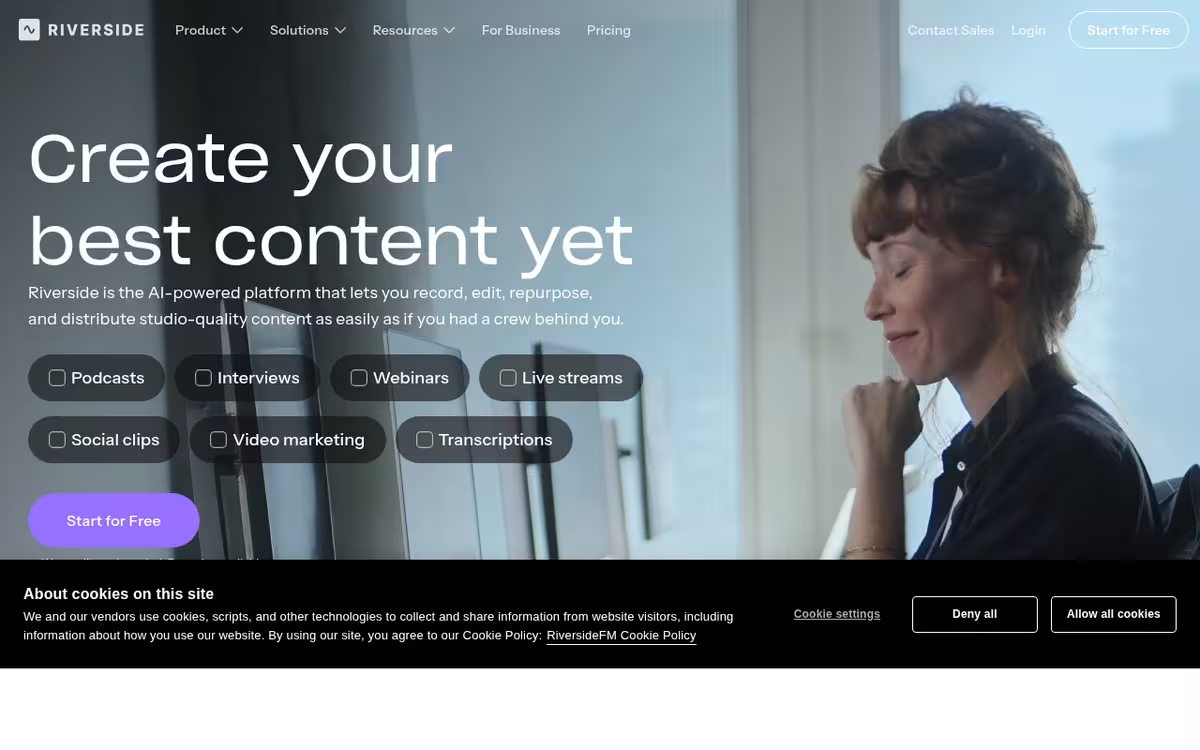
Position history
Daily snapshotPosition of AI Transcriptions by Riverside among AI Tools on List of Best, recorded once a day. Lower is better.
Pricing
- Jump in and create something
- 2 hours of multi-track recordings (Separate audio and video tracks)
- Full suite of editing tools
- Up to 720p video quality
- Riverside watermark on all your things
- Create polished, high-quality content
- Studio-quality video & sound
- Up to 4K video quality
- 48kHz audio quality
- 15 hours of multi-track recordings (separate audio & video tracks)
- Multistream in full HD
- Studio-quality streaming
- Live stream in full HD (1080p)
- Multistreaming to unlimited destinations
- Custom RTMP to stream to custom platforms
- Plan, host & repurpose webinars
- Host webinars with up to 100 registrants
- Unlimited scheduled sessions
- Lead capture tool
- Automated email reminders
- Produce at scale with full control
- Host webinars with up to 10,000 registrants
- Unlimited multi-track recording (Separate audio and video tracks)
- Custom branding
- Unlimited storage
Pricing from the official site, verified Jun 2026. Always confirm current prices on the vendor site.
Pros & cons
Our analysisPros
- Local recording avoids compression and dropout issues
- Text-synced transcript enables editing by text
- Auto filler-word removal included
- Guests join via browser with no install needed
- Integrates with Spotify, YouTube, Apple, and Twitch
Cons
- Free tier limits recording time
- Higher resolution and team seats require paid plans
- Focused on podcasting; less general-purpose
What users say
Riverside is commonly used by podcasters and video producers who need high-quality remote recordings without the audio degradation typical of standard video calls. A frequently noted strength is the local-first recording approach combined with text-synced transcripts that allow editing by cutting words rather than scrubbing audio. A common limitation is that recording time on the free tier is capped, and higher resolution output and team features require a paid subscription.
Editorial summary based on public information.
Best for
Podcasters and video producers recording remote guests at studio quality
Manually choose competitor  AI Transcriptions by Riverside
 Otter.ai
 The co-pilot for your product team
 LUCYD AUDIO EYEWEAR
 Speakflow
 Beepbooply
 Voqal
Voqal Altered
 UnitText
| Feature | AI Transcriptions by Riverside | Otter.ai |
|---|---|---|
| Pricing | Freemium | Paid |
| Price from | $29/mo | $19.99/mo |
| Free tier | Yes | No |
| API | Yes | Waitlist |
| Open source | No | No |
| Platforms | Mobile App | API |
| Models | Riverside | Otter |
| Context window | — | 8k |
| Launched | 2020 | 2016 |
| Integrations | Spotify, Apple, YouTube +1 more | Slack, Zoom, Salesforce +8 more |
| Output formats | WAV, MP4 | — |
Top alternatives to AI Transcriptions by Riverside
See all alternatives → Otter.ai
Live meeting transcription with automatic summaries and action items.

The co-pilot for your product team
Aggregate customer feedback to drive decisions

LUCYD AUDIO EYEWEAR
Smart glasses that blend style with connected technology
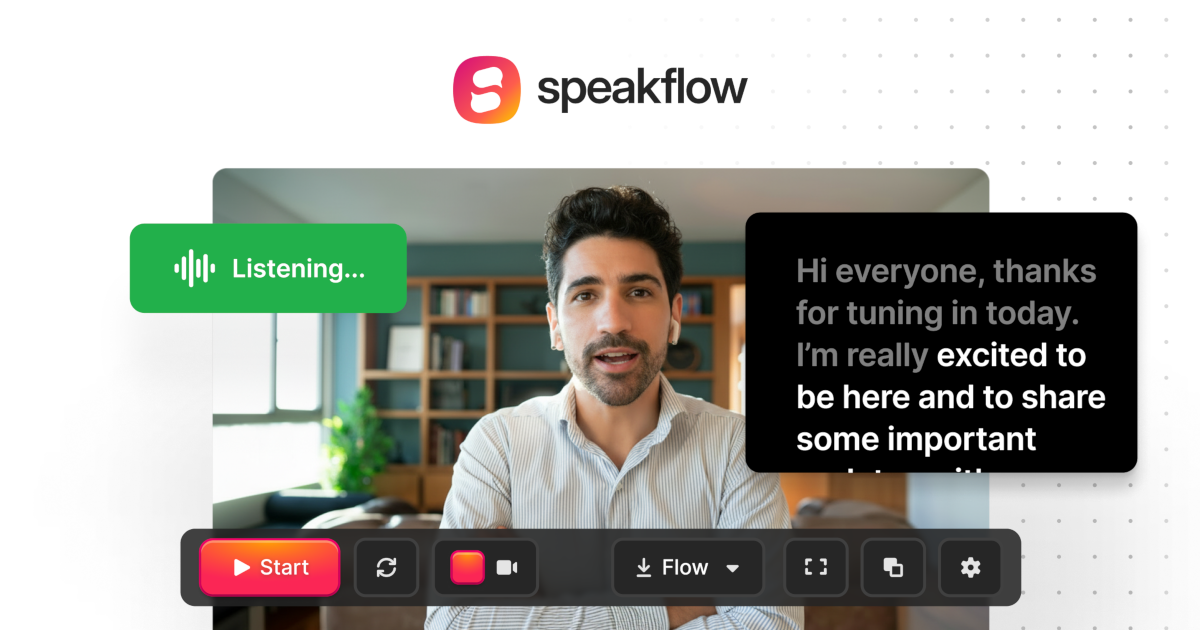
Speakflow
Online teleprompter with voice-activated scrolling

Beepbooply
Convert text to speech in 900+ voices and 80+ languages

Voqal
Write code using voice commands
Verified Jun 2026
Specs
| Pricing | Freemium |
|---|---|
| Price from | $29/mo |
| Free tier | Yes |
| API | Yes |
| Open source | No |
| Platforms | Mobile App |
| Models | Riverside |
| Integrations | Spotify, Apple, YouTube, Twitch |
| Output formats | WAV, MP4 |
| Launched | 2020 |