
Replit
AssistantsBrowser-based IDE with AI code assistant and built-in deployment
Browse the best with api Code tools on Listof.Best — 124 options, ranked by popularity. Compare features, pricing and alternatives at a glance.
Browser-based IDE with AI code assistant and built-in deployment

VS Code-based editor with deep AI chat and project-wide code understanding

Access 1000+ generative media models

AI code assistant with privacy and compliance controls

AI character and chatbot platform

Multi-agent coding platform and IDE

Free coding courses in Python, JavaScript, and 15+ languages

Build and deploy voice AI agents in minutes

Convert designs and prompts into production code

Generate clinical notes for therapists in seconds

No-code web app builder with zero lock-in

Global marketplace for remote freelancers and full-time talent

Run AI coding agents in a secure, controlled environment

Build browser automation without code

Generate product backgrounds with one click

Build SaaS products, CRM systems, and internal tools

No-code platform for enterprise AI agents

AI for data analysis and campaigns
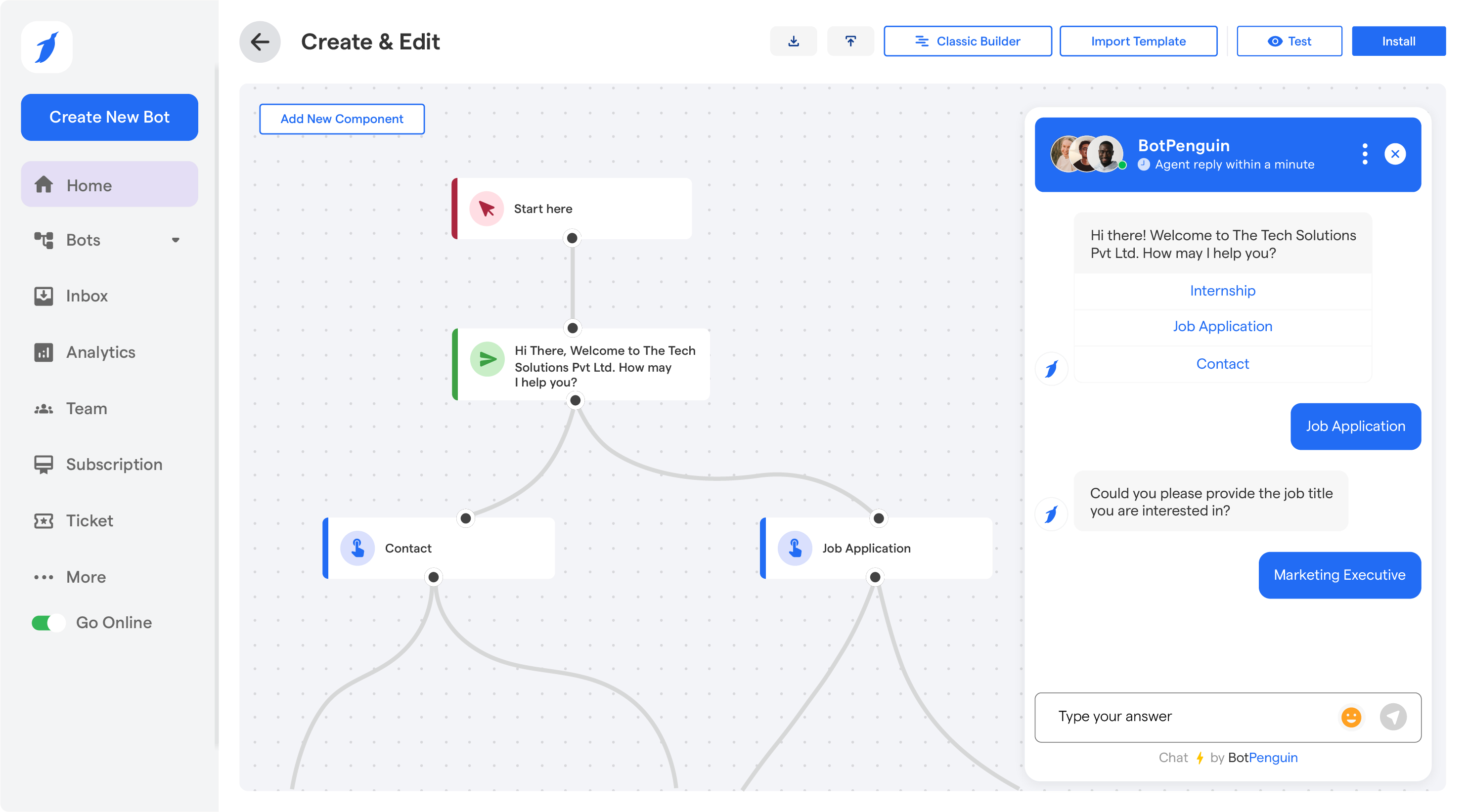
No-code chatbot and AI agent builder

Developer portal and API documentation

Build autonomous AI agents integrated with Salesforce

AI chat with integrated secure code library

Build code and websites from natural language descriptions

Build full-stack web apps with AI code generation
The category is wide and includes tools that serve very different audiences. Experienced developers typically want tools that integrate into their existing editor and support their specific language stack well. Teams may prefer tools with collaboration features, shared context, and audit logging. Non-developers building internal tools are better served by visual or low-code platforms like Dynaboard AI. Bug-fixing tools like FixThisBug.de focus on a narrow but high-value task. Code review and quality tools like GitRoll and Relicx focus on testing and reliability rather than generation. When comparing tools, practical benchmarks on your own codebase outperform general capability claims. Also consider how the tool handles context: tools with larger context windows handle full-file and multi-file edits more reliably. Security considerations include whether your code leaves your environment and under what terms it may be used to train future models.