

Pros & cons
Our analysisPros
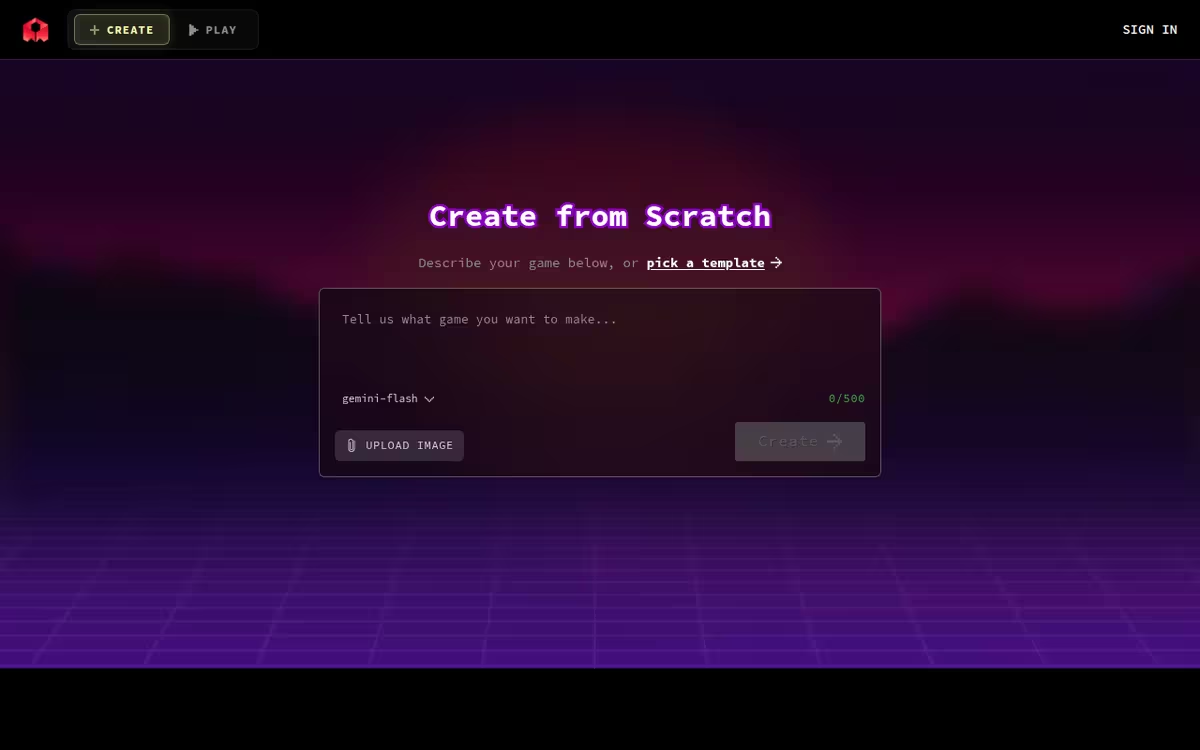
- Builds and deploys games without writing code
- Prompt-driven project generation
- Free tier available
Cons
- API on waitlist
- Output complexity likely limited for advanced games
- Mobile app only as listed platform
What users say
Rosebud is commonly used by hobbyists and educators who want to create playable games or simple apps through natural-language prompts without coding. A frequently noted strength is the end-to-end generation and deployment in one tool. A common limitation is that the API is waitlisted and the platform is best suited for simpler projects rather than complex, production-grade games.
Editorial summary based on public information.
Best for
Non-technical creators building simple games or apps via prompts
Manually choose competitor  Rosebud
 Cursor
 Lovable
 Weesify
 Databar.ai
 Momen AI
 Coder
Coder NodeCodeStudio
 Cruderra
| Feature | Rosebud | Cursor |
|---|---|---|
| Pricing | Free | Freemium |
| Price from | — | $20/mo |
| Free tier | Yes | Yes |
| API | Waitlist | Yes |
| Open source | Yes | No |
| Platforms | Mobile App | Browser Extension |
| Models | Rosebud | Cursor |
| Context window | 1M | 128k |
| Launched | 2019 | 2024 |
| Integrations | — | Slack, GitHub |
Top alternatives to Rosebud
See all alternatives → Cursor
VS Code-based editor with deep AI chat and project-wide code understanding
Lovable
Build full-stack apps by describing them in plain text

Weesify
All-in-one link, content, and QR code tools
Databar.ai
Enrich CRM data with 100+ verified sources

Momen AI
No-code platform for building and deploying web applications

Coder
Run AI coding agents in a secure, controlled environment
Specs
| Pricing | Free |
|---|---|
| Free tier | Yes |
| API | Waitlist |
| Open source | Yes |
| Platforms | Mobile App |
| Models | Rosebud |
| Context window | 1M |
| Launched | 2019 |