

Pros & cons
Our analysisPros
- No-code drag-and-drop simplicity
- API available for extended functionality
- Full creative freedom in design
- Suited for portfolios and landing pages
Cons
- No free tier available
- Pricing not publicly disclosed
- Scope limited to portfolios and landing pages
What users say
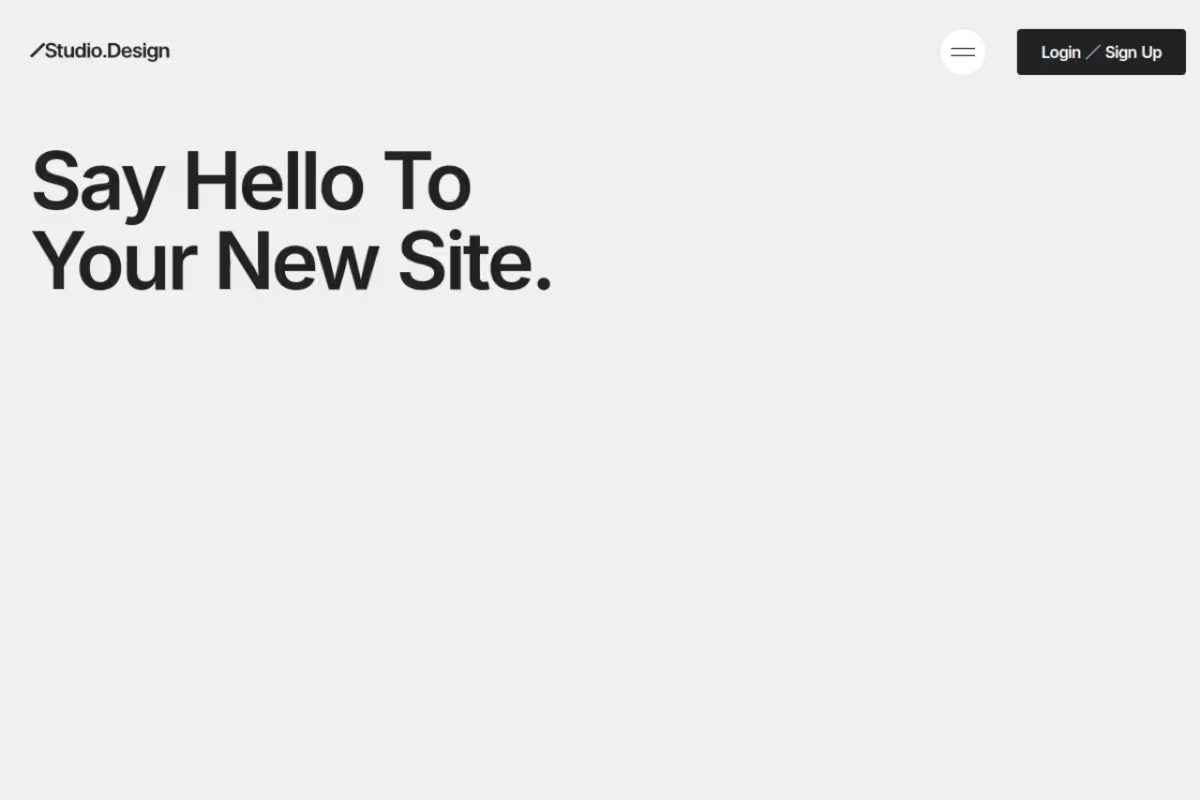
Studio Design is commonly used by designers and freelancers who want to build polished portfolio sites or landing pages without writing code. A frequently noted strength is the combination of drag-and-drop ease with API extensibility. A common limitation is the absence of a free tier, which may be a barrier for those evaluating the platform.
Editorial summary based on public information.
Best for
Creatives building portfolios or landing pages without coding skills
Manually choose competitor  Studio Design
 Midjourney
 Leonardo Ai
 Genie Printer
 Novita AI
 getimg.ai
 CakhiaTV
 SEO Content Machine
 SuperInterview AI
| Feature | Studio Design | Midjourney |
|---|---|---|
| Pricing | Paid | Freemium |
| Free tier | No | Yes |
| API | Yes | Waitlist |
| Open source | No | No |
| Platforms | API | Mobile App |
| Models | Studio | Midjourney |
| Context window | — | 8k |
| Launched | 2016 | 2025 |
Top alternatives to Studio Design
See all alternatives → Midjourney
High-quality AI image generation with a focus on artistic and cinematic styles
Leonardo Ai
Image generation platform built for game assets and concept art

FLUX
AI image generator from text prompts

Ideogram
AI image generator that renders coherent text and typography in images

Remove-bg AI
Remove image backgrounds instantly, no signup required
Genie Printer
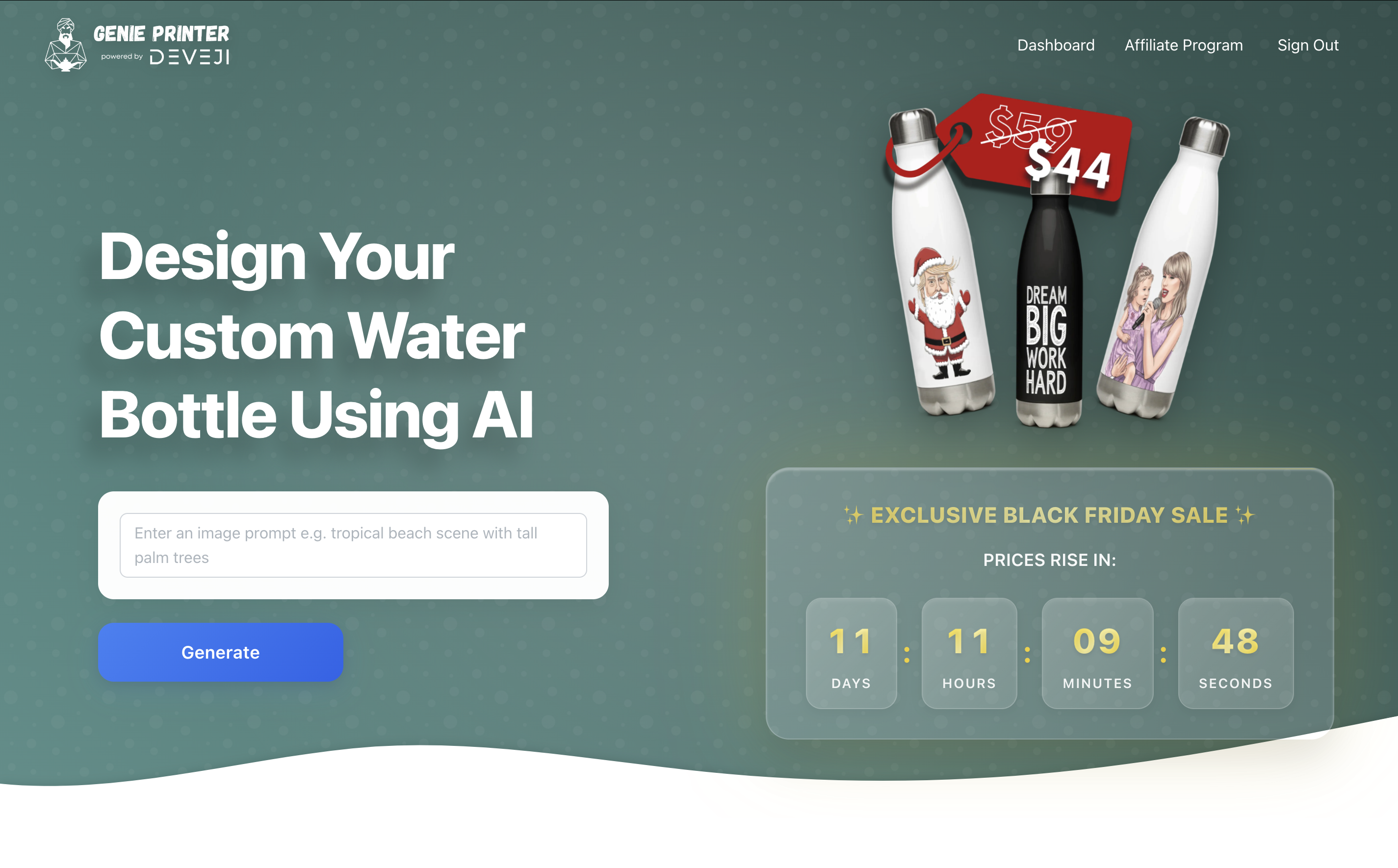
Custom water bottles with AI-generated designs
Specs
| Pricing | Paid |
|---|---|
| Free tier | No |
| API | Yes |
| Open source | No |
| Platforms | API |
| Models | Studio |
| Launched | 2016 |