

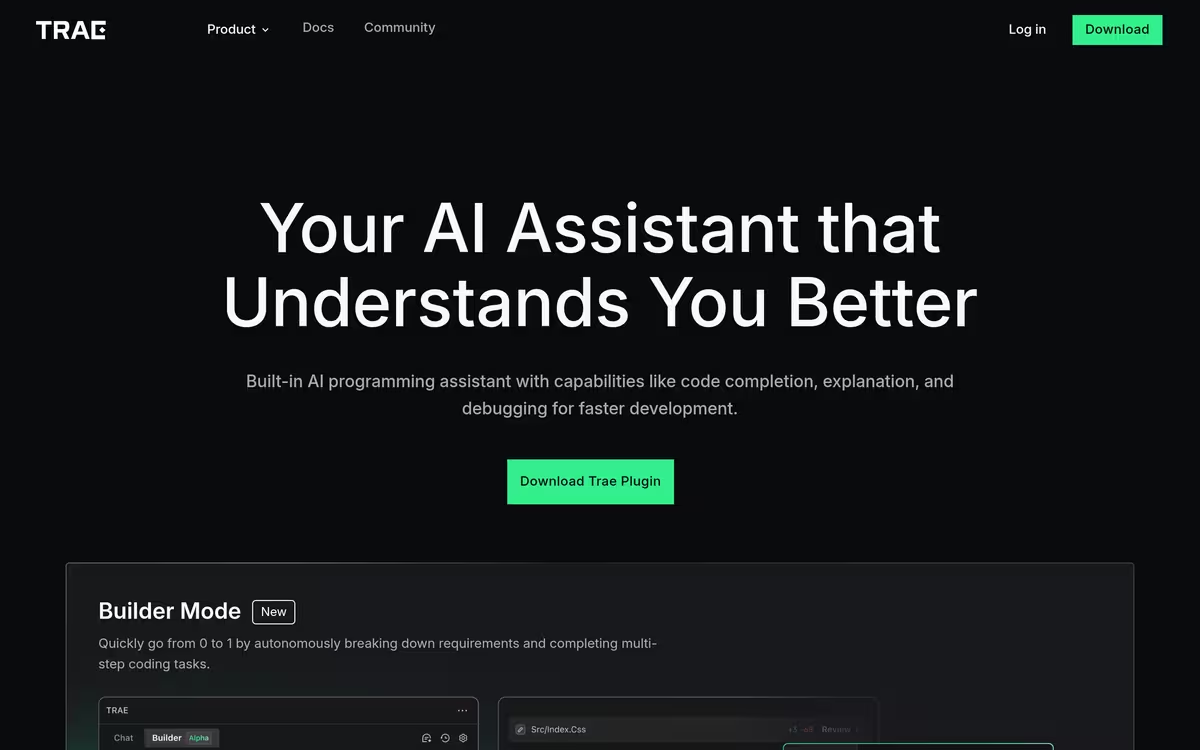
Pros & cons
Our analysisPros
- Integrates with VSCode and JetBrains
- Supports code generation, debugging, and refactoring
- Free tier available
- Works across multiple programming languages
Cons
- Browser extension only, not a standalone IDE
- No API access for developers
- Pricing details for paid tiers not disclosed
What users say
Trae is commonly used by developers who want AI-powered code generation and debugging layered into their existing VSCode or JetBrains environment. A frequently noted strength is its broad language support and refactoring capabilities. A common limitation is that it operates as a browser extension rather than a standalone IDE, which may reduce its utility for some workflows.
Editorial summary based on public information.
Best for
Developers wanting AI coding assistance inside existing IDEs
Manually choose competitor  Trae
Trae
 Cursor
 Lovable
 Weesify
 Databar.ai
 Momen AI
 Coder
Coder NodeCodeStudio
 Cruderra
| Feature | Trae | Cursor |
|---|---|---|
| Pricing | Freemium | Freemium |
| Price from | — | $20/mo |
| Free tier | Yes | Yes |
| API | No | Yes |
| Open source | No | No |
| Platforms | Browser Extension | Browser Extension |
| Models | Marscode | Cursor |
| Context window | — | 128k |
| Launched | 2023 | 2024 |
| Languages | Python, Go, JavaScript +7 more | — |
| Integrations | VSCode, JetBrains | Slack, GitHub |
Top alternatives to Trae
See all alternatives → Cursor
VS Code-based editor with deep AI chat and project-wide code understanding
Lovable
Build full-stack apps by describing them in plain text

Weesify
All-in-one link, content, and QR code tools
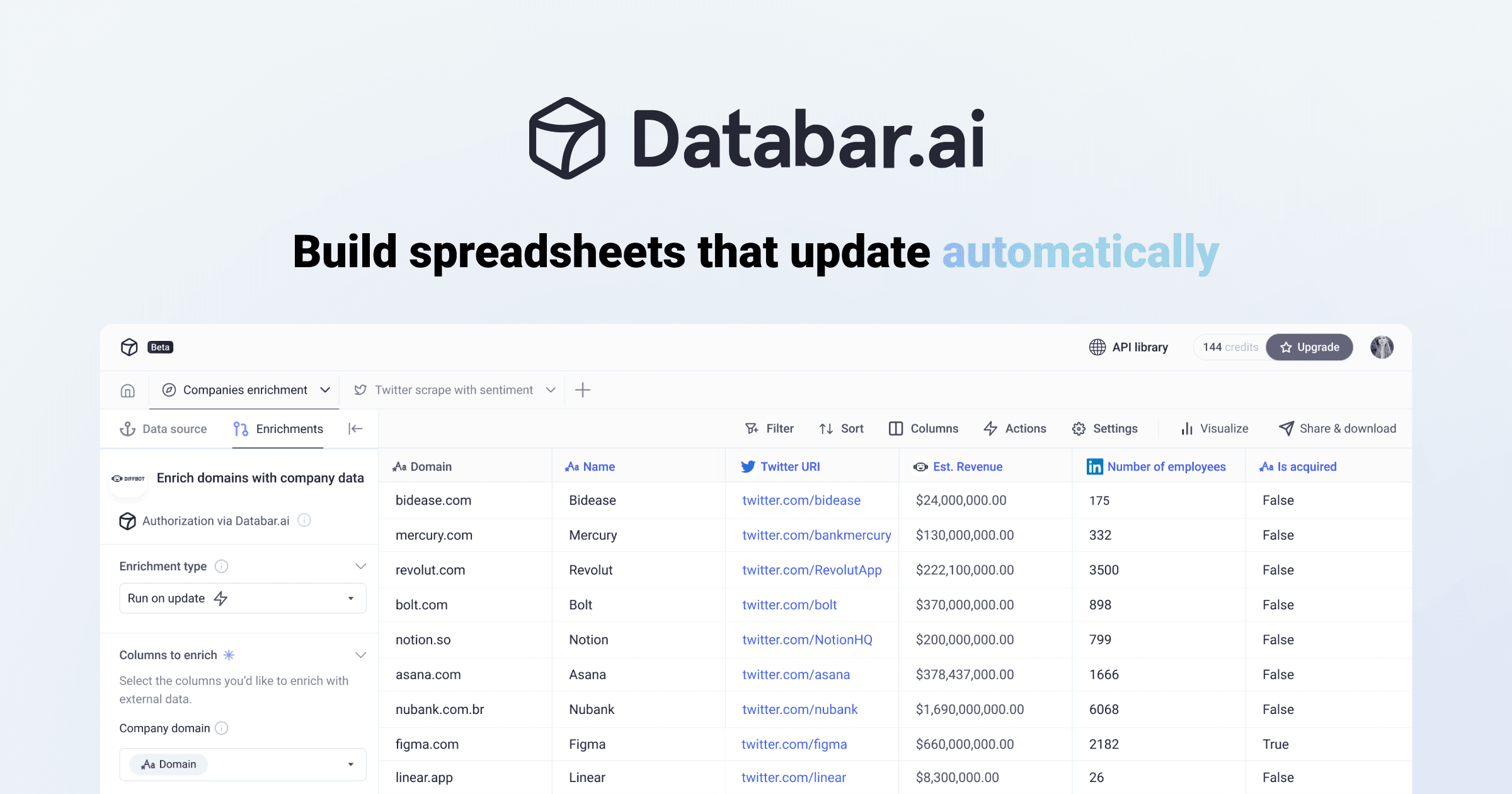
Databar.ai
Enrich CRM data with 100+ verified sources

Momen AI
No-code platform for building and deploying web applications

Coder
Run AI coding agents in a secure, controlled environment
Verified Jun 2026
Specs
| Pricing | Freemium |
|---|---|
| Free tier | Yes |
| API | No |
| Open source | No |
| Platforms | Browser Extension |
| Models | Marscode |
| Languages | Python, Go, JavaScript, HTML/CSS, TypeScript, C++ +4 more |
| Integrations | VSCode, JetBrains |
| Launched | 2023 |