
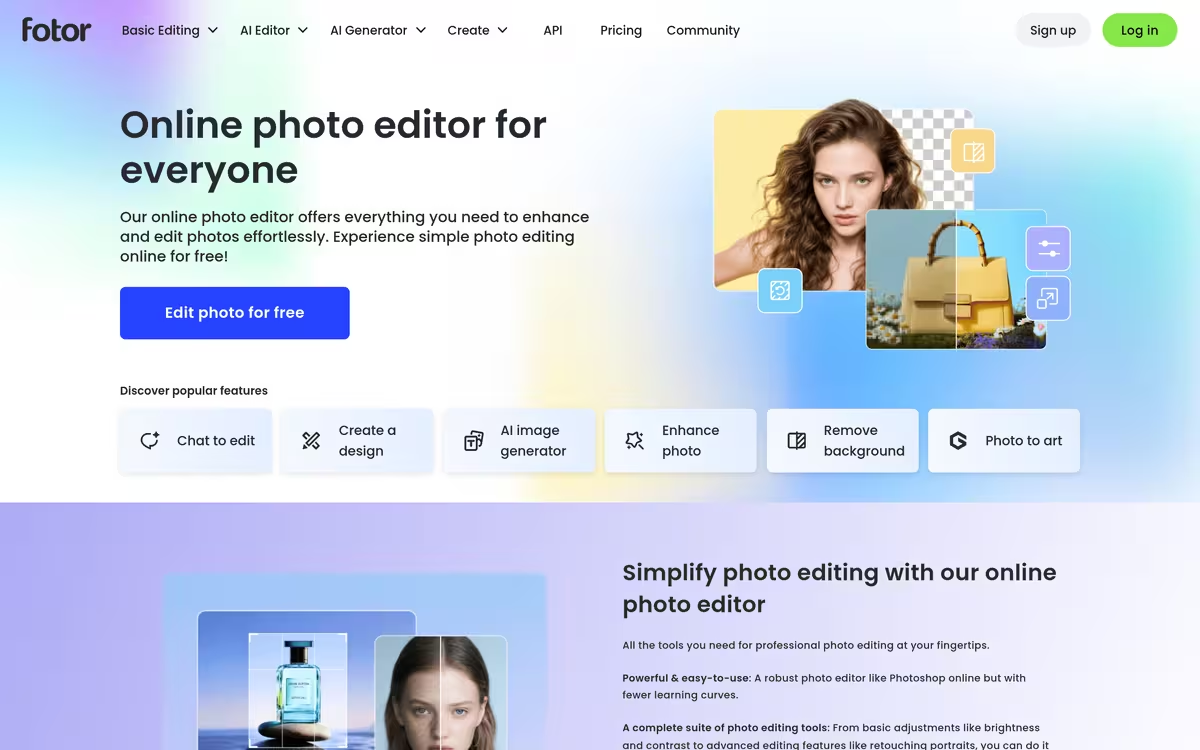
优缺点
我们的分析优点
- Fully browser-based, no download required
- AI background removal and object removal included
- Built-in AI image generator
- Accessible interface for occasional editors
- Free tier covers core editing features
缺点
- Free exports are watermarked
- AI credit limits on free plan
- Not suited for professional-grade compositing
用户评价
Fotor is commonly used for quick social media graphics, portrait retouching, and occasional AI image generation by users who do not need the depth of a desktop editor. A frequently noted strength is the accessible interface that covers both standard editing and AI-assisted tools in one browser tab. A common limitation is that free accounts watermark certain exports and have restricted AI credits, and the platform is not well suited to complex compositing work.
基于公开信息的编辑摘要.
最适合
Casual editors needing quick AI-assisted photo retouching without software installs
手动选择竞品  Fotor AI Photo Editor





| 功能 | Fotor AI Photo Editor |  Remove.bg Remove.bg |
|---|---|---|
| 定价 | 免费增值 | 付费 |
| 起价 | — | $3/mo |
| 免费方案 | 是 | 否 |
| API | 是 | 是 |
| 开源 | 否 | 否 |
| 平台 | Mobile App | API |
| 模型 | Fotor | Remove |
| 上下文窗口 | 128k | 8k |
| 上线时间 | 2009 | 2023 |
| 集成 | — | Figma, Photoshop, Zapier |
| 输出格式 | JPG, PNG, PDF | PNG |
Fotor AI Photo Editor 的最佳替代方案
查看所有替代方案 →
标签: 33across Adobe Media Optimizer Ai Ai Avatar Creator Ai Cartoon Style Ai Face Swap Ai Image Extender Ai Image Generator
验证于 Jun 2026
规格
| 定价 | 免费增值 |
|---|---|
| 免费方案 | 是 |
| API | 是 |
| 开源 | 否 |
| 平台 | Mobile App |
| 模型 | Fotor |
| 输出格式 | JPG, PNG, PDF |
| 上下文窗口 | 128k |
| 上线时间 | 2009 |